• 8 Feb

    A Collection of Free iPad Icons, Tutorials and PSDs

    Icons, Photoshop, iPad

    Share


    Since its controversial release, the iPad has been both criticized and admired by the design community.

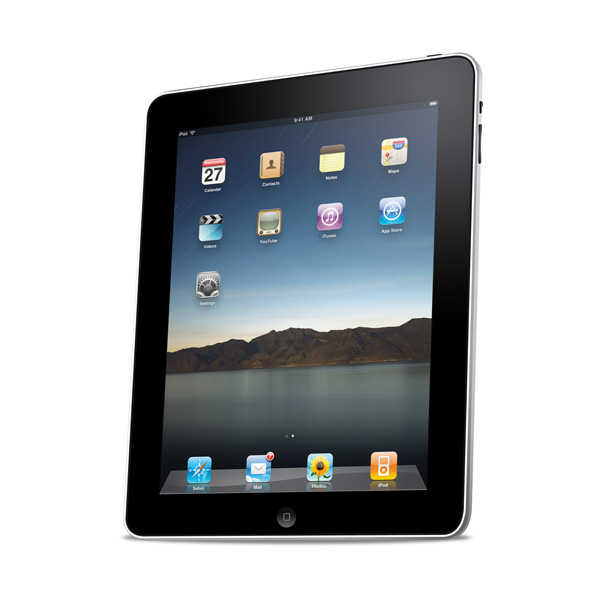
    In this post we have compiled a list of great resources, that teach you how to create your own iPad icons, as well as a collection of ready made icons and PSDs.

    To download the files, please click on the preview image to go to the source site and remember to check the terms of use before using them in your projects.

    If you know of any other great iPad freebies, please add them in the comments section below and we’ll include them in this post when appropriate.

    Enjoy…

    iPad Tutorials

    Callum Chapman’s iPad Photoshop Tutorial

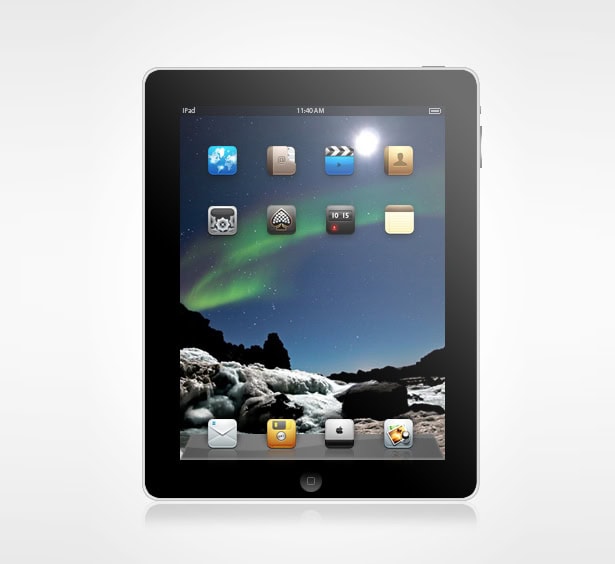
    In this tutorial, Callum explains the process of designing the Apple iPad from scratch in Photoshop using shape tools, layer styles and blending modes. You will also use the brush tool to create detailed chrome and lighting effects.
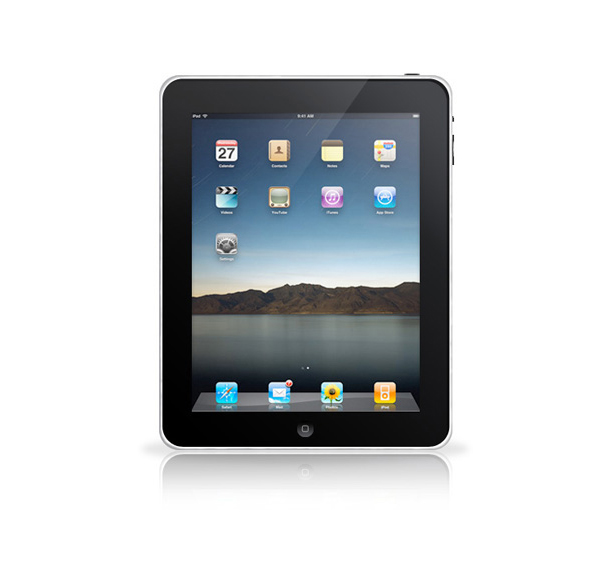

    Chris Spooner’s iPad Photoshop Tutorial

    Chris Spooner also creates an Apple iPad from scratch in Photoshop using simple modification tools, the pencil tool and transformation tools.
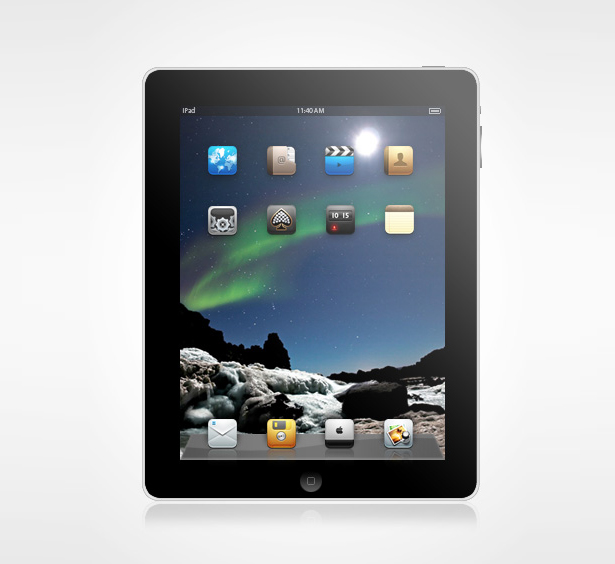


    iPad Icons

    Seeing how many great iPad icons are already available to download for free across the web is pretty amazing. Here is a small collection that will surely grow.

    Enthusiastik iPad icons (2 icons; PNG format)
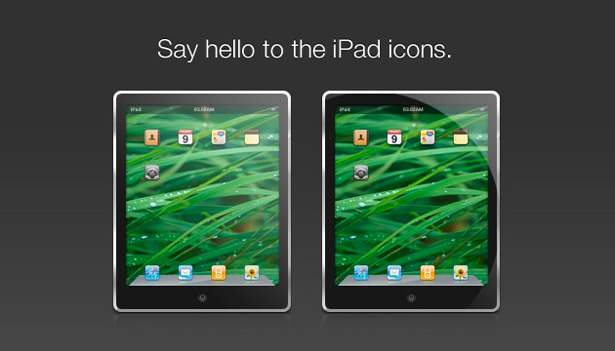

    Chris Spooner iPad Icon Set (1 icon; PSD, PNG and ICN formats)
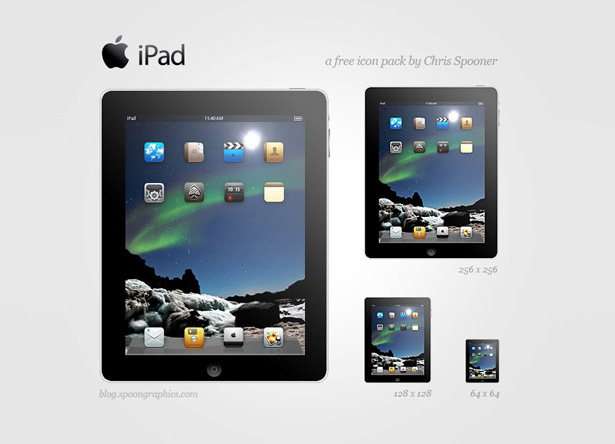

    KR Design iPad Icon (2 icons; PNG format)
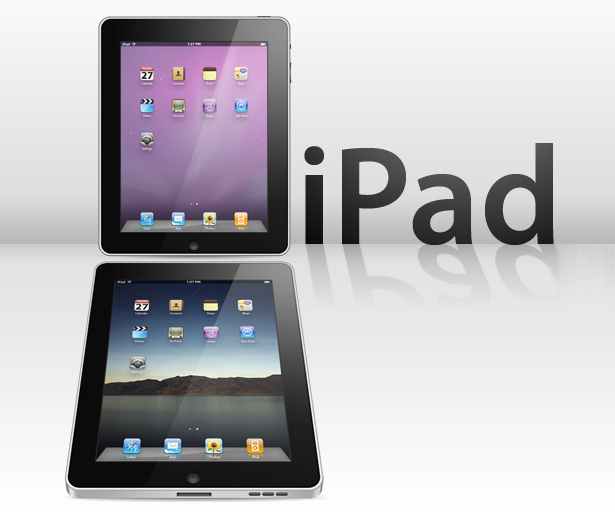

    Sudhithxavier iPad Icon (1 icon; PNG format)
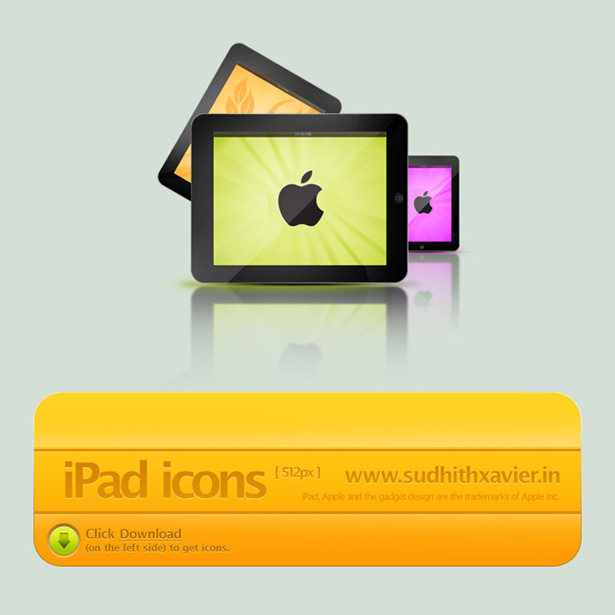

    Chris Noakes iPad Icon (1 icon; PNG, ICO and ICN formats)
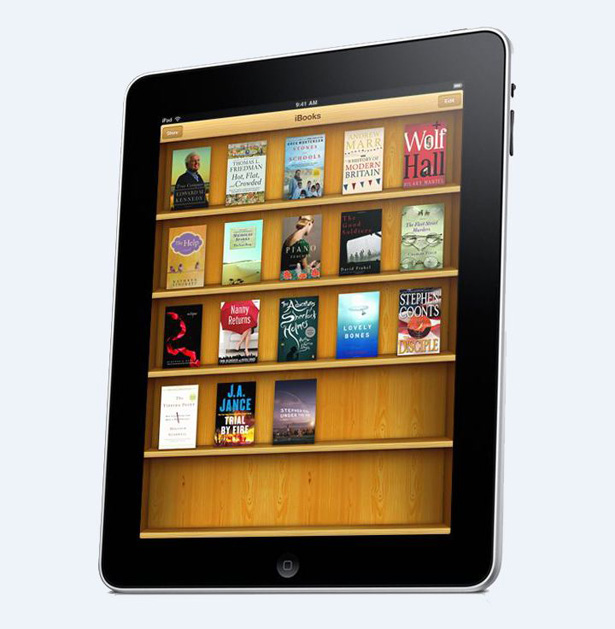

    Adidadidu iPad Icons (18 icons; PNG, ICO and ICN formats)
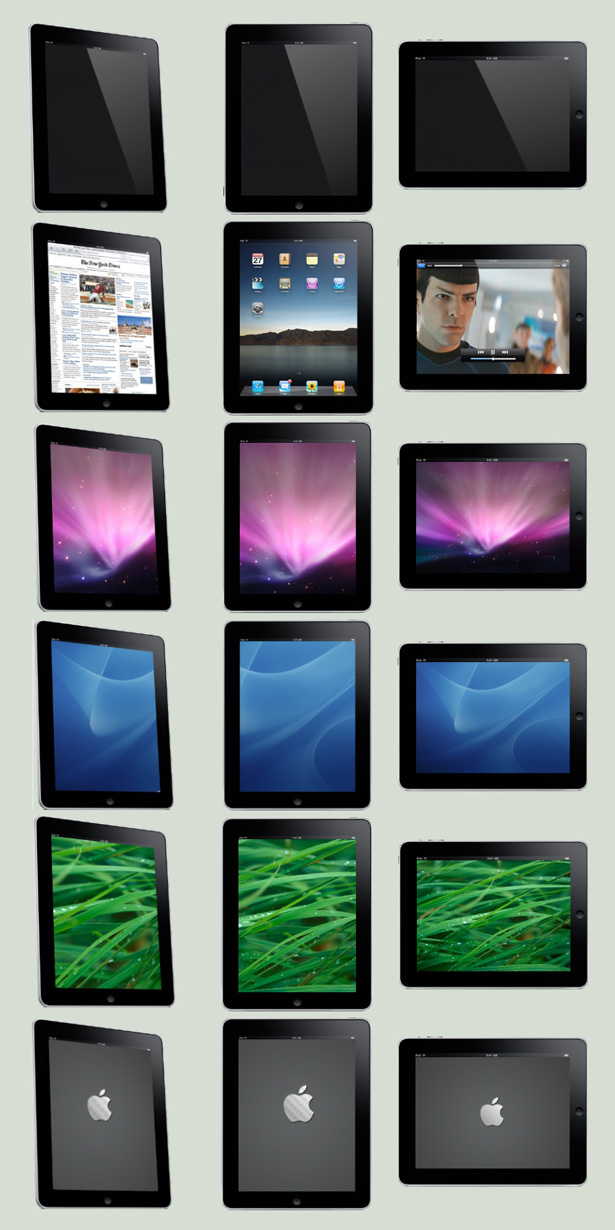

    TinyLab iPad Icon (1 icon; ICN format)
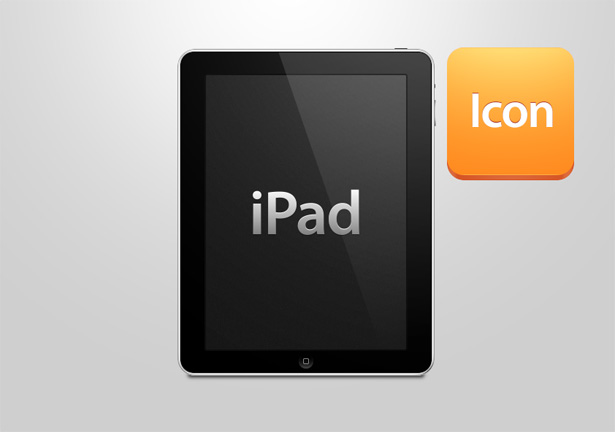

    Bisiobisio iPad Icon (1 icon; PNG, ICO and ICN formats)
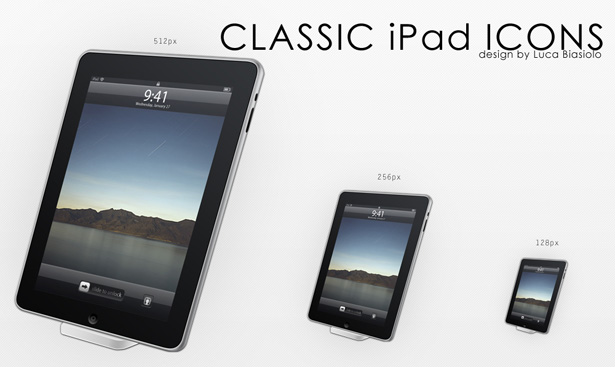

    Santieldarlaine iPad Icon (1 icon; PNG format)
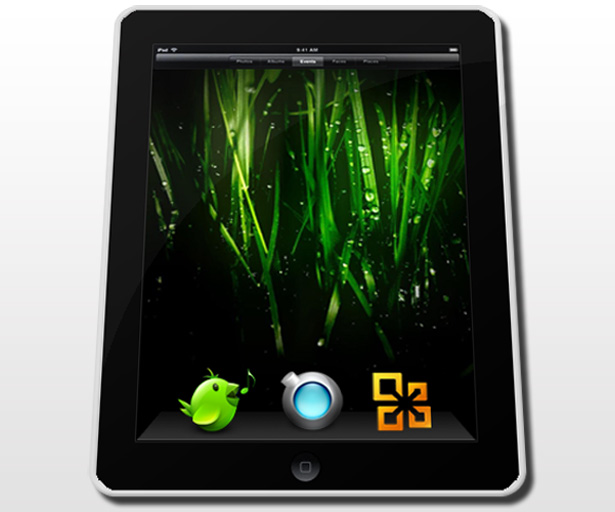

    iPad PSD Documents

    If you’re looking for something a little easier to customize, try out these iPad PSD documents.

    Kevin Anderson iPad PSD

    This PSD is completely editable. Every object was created using vector masks, meaning you can scale it up or down without any loss of quality.
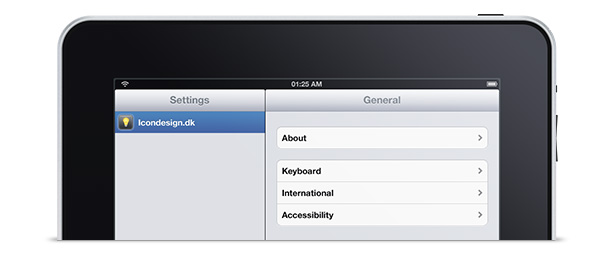

    Mppagano iPad PSD

    This huge and incredibly detailed iPad PSD comes in at a whopping 2400 x 2400 pixels, large enough for almost any design project.

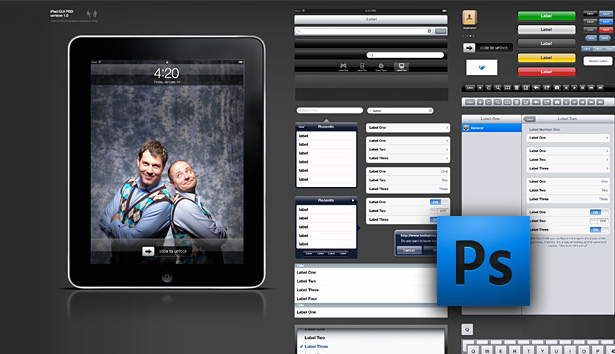
    Geoff Teehan iPad GUI PSD

    This one is for the application developers out there. The PSD was constructed using vectors, so it is fully editable and scalable. The workable screen design is formatted to 768 x 1024, so anything you design in the Photoshop file can easily be brought over to the SDK. This is a beauty of a document, coming in at around 24 MB. Start designing those apps!

    Compiled exclusively for WDD by Callum Chapman, a freelance designer from Cambridge, UK. He is the creative mind behind Circlebox Creative and Circlebox Blog, and can often be found writing for design related blogs.

    Feel free to share other iPad design resources below…


  • 34 Comments »

     
    #1
    Jordan Walker
    February 8th, 2010 at 8:34 pm

    Great list of places to find icons for the new iPad. Still wish it supported multi-processing.


    #2
    Christopher
    February 9th, 2010 at 9:31 am

    When will people learn that being able to play music and send email or messages IS multi-tasking?


    #3
    Jon
    February 16th, 2010 at 4:14 am

    Microsoft should learn that most of us see right through this negative campaign of theirs.

     
    (Comments won't nest below this level)
     
    #4
    David Ingledow
    February 8th, 2010 at 9:04 pm

    I’m just wondering what a jailbroken iPad could be like! I wonder if anybody would create an emulator to run Windows or Mac OS?

    Anyways, there’s some good icons to use there!


    #5
    Callum Chapman
    February 8th, 2010 at 9:10 pm

    @Jordan Walker: Don’t we all! Let’s hope the rumors are true and the next big update to iPhone software will allow multi-tasking. Although I’m trying not to believe any rumors these days especially after the rumor about the iPad possibly supporting OS X…if only!


    #6
    App Sheriff
    February 8th, 2010 at 10:18 pm

    I think i saw some of these in smashing magazine.. :)
    Good Job guys.


    #7
    Joe Barstow
    February 8th, 2010 at 10:44 pm

    Good post, enough to satisfy my cravings.

    Ha! @David Ingledow A more comprehensive OS would be great.
    I especially like the Idea of a Windows app for the iPad :)

    lol


    #8
    free vector graphics
    February 8th, 2010 at 11:13 pm

    Really nice collection of icons thanks for this set


    #9
    Robert
    February 8th, 2010 at 11:24 pm

    Those are missing, gorgeous small size icons, maybe you wanna add them to this useful list?:

    iPixelPad – Tongue Twisting But Crisp iPad Icons


    #10
    Rahul - Web Guru
    February 9th, 2010 at 5:47 am

    The tutorial is really cool and the ipad is too.


    #11
    Payday Loans
    February 9th, 2010 at 7:12 am

    I’m just wondering what a jailbroken iPad could be like! I wonder if anybody would create an emulator to run Windows or Mac OS?
    Anyways, there’s some good icons to use there!


    #12
    Matthew Heidenreich
    February 9th, 2010 at 8:47 am

    I kinda feel like they didn’t need to make tutorials on how to do the iPad since you could easily just take the iPhone tutorials and create it. All in all they are well done, thanks for this share.


    #13
    Callum Chapman
    February 9th, 2010 at 11:51 am

    You’re right, but then again a lot of tutorials out there cover things that have already been done hundreds of times before, it’s just nice to see fresh content now and again for those that are first taking on the challenge to learn Photoshop and other software :)


    #14
    Ajay
    February 9th, 2010 at 9:20 am

    Fantastic collection of free iPad Icons. Don’t forget Free Apple iPad PSD File Download


    #15
    aledesign.it
    February 9th, 2010 at 12:57 pm

    Nice collection, good design.


    #16
    insic
    February 9th, 2010 at 2:06 pm

    Great Collection!


    #17
    Martin LeBlanc
    February 9th, 2010 at 2:21 pm
     
     
    #18
    PSDhome
    February 9th, 2010 at 2:33 pm

    You can find more free psd files on PSDhome…


    #19
    julio
    February 9th, 2010 at 5:35 pm

    awesome post! Great icons and tutorials


    #20
    New York Web Designer
    February 9th, 2010 at 6:17 pm

    Very nice – thanks for sharing. I’ll be whacking these on my blog in the very near future!


    #22
    MexiChriS
    February 10th, 2010 at 6:09 am

    Good collection. Gotta grab some of these and check them out :)


    #23
    loswl
    February 10th, 2010 at 6:37 am

    Very nice set, I want an iPad :) 7


    #24
    Shamima Sultana
    February 10th, 2010 at 9:44 am

    wow wow wow…
    love the post..i wish i could have one..issshhh…!!!


    #25
    pesho
    February 10th, 2010 at 11:02 am

    Thanks for sharing
    this amazing


    #26
    Amy from free iPad
    February 10th, 2010 at 3:34 pm

    Brilliant icons and tutorials, I’m particularly pleased about the Mppagano iPad PSD’s detail. It’s not very often you get such a brilliant image in 2400×2400 res. What are the licensing issues with these? Can we modify/use them on personal projects? I know it says that they are free but most artists require atleast some sort of recognition?


    #27
    Callum Chapman
    February 11th, 2010 at 8:53 pm

    You’ll just have to take a look at the actual pages. Some of them require attribution, others none whatsoever. :)


    #28
    stas
    February 10th, 2010 at 10:51 pm

    great, free and a brilliant collection of icons


    #29
    rezyde
    February 12th, 2010 at 5:55 pm

    great resource for that ipad app in mind, your making my life a bit easier. thanks


    #30
    student aid
    February 13th, 2010 at 10:29 pm

    this is a very good article & it really help me. Thank you


    #31
    Panorama
    February 14th, 2010 at 3:47 pm

    Excellent work!


    #32
    John Freeborn
    February 16th, 2010 at 4:37 am
     
     
    #33
    Briggs
    February 17th, 2010 at 5:02 am

    There’s a pretty good tutorial using Fireworks over @ http://tutsoup.com/tutorials/how-to-create-the-apple-ipad-in-adobe-fireworks/


    #34
    toby
    February 23rd, 2010 at 12:45 am

    HV-Designs recently made a tutorial on the IPAD, maybe you could add that also.

    http://hv-designs.co.uk/2010/02/15/learn-to-create-an-apple-ipad-from-scratch/

    personally i found this one slightly better as it makes all of it from scratch apart from the icons.

    nice post and keep up the good work.

     
    Name (required)

    E-mail (required - never shown publicly)

    Web-site

    Your Comment (smaller size | larger size)

Home| Advertising| About| Contact

© 2010 All Rights Reserved