
1
Defined as ‘the structural design of shared information environments’, information architecture focuses on bringing the principles of architectural design to the online world.
Just like the blueprints of a dream home or the outline of a well-written article, good website structure organizes information in a way that enhances the user experience and delivers pertinent information as quickly as possible.
In fact, most website visitors only become aware of information architecture when it is poor and stops them from finding the information they require.
Read on for more details and a case study. As usual, you can leave us your feedback at the end of the post…
Why Is It Important?
Even an optimized site with sleek design and compelling copy can fall flat without sound information architecture. If prospects can’t navigate easily through a site, chances are they’ll get lost, feel frustrated, and leave to never return. And you can forget about converting them to customers.
For example, Starbucks offers two free hours of Wi-Fi in their cafes with your registered Starbucks card, but the actual process of registering and getting online is so confusing, it’s enough to send you to the competition. While most cafes give you a simple access code, Starbucks makes you jump through endless hoops to use this supposedly convenient feature.
Even though Starbucks is a hugely successful enterprise, missing the mark with this small function of their website is enough to make them lose possible revenue from the big draw of free Wi-Fi. This example shows how navigation can directly affect conversion rates.
Information Architecture for the Ego vs. the Client
Just like web copy, information architecture should be customer-centric. When developing copy for a website, businesses tend to get caught up in themselves, writing what they want, rather than what visitors might want or need to read.
A visitor might be interested to learn about a business, but they mainly want to know what the business can do for them.

The same principle applies to site navigation. Rather than organizing information the way upper management prefers, navigation should be based entirely on how the website visitor needs to find that information.
This goes beyond organizing the information on a website into a coherent structure. You’ll need to know how potential customers will behave when they come looking for that information.
Case Study – Vancouver Bike Repair
For example, a recent Google search for Vancouver bike repair yielded several top results, including a bike shop called Bicycle Sports Pacific. However, a visit to their site gives the impression that bike repair is not actually one of their main services, since the term is nowhere to be found along the top menu. In fact, a link titled ‘Repair/Maintenance’ is buried far down the page on the left and leads to the bike maintenance products they offer – a dead end for someone looking for bike repair services.
A few scrolls down the homepage reveals a short blurb describing their bike repair service. It starts with the sentence ‘We specialize in expert bike repair’, but nothing on the site supports that claim. One would think that perhaps Bicycle Sports Pacific is not the place to go for bike repair considering that information relating to this service appears to be low priority on their website. There are no details on the types of repair services they offer or their rates.
A visit to Bicycle Sports Pacific’s Vancouver location, however, reveals that bike repair is actually one of their main services, with nearly half of their store space devoted to repairs. You would never know this from visiting their website. In fact, their website looks more like someone is trying to demonstrate how knowledgeable they are bikes in general, rather than giving someone looking for bike repair services the information he or she needs.
A much better example of customer-centric navigation is demonstrated in The Bike Doctor website. The tagline on the site reads ‘It’s fun + easy!’ and they’re right! The most pertinent information is arranged into easy and intuitive sections along the top and side menus. The homepage features a clickable thumbnail of their repair rates, and even a special promotion offering a $5 discount on your spring tune up when you mention their website. SOLD!
These two businesses are essentially the same – they both offer bikes and bike accessories for sale, and also bike repair services, but their sites couldn’t be more different in terms of navigation. The Bike Doctor’s site is simple and broken down into clear sections, while the Bicycle Sports Pacific site offers endless information on cycling in general and how to choose a bike, while leaving one of their main services inadequately covered.
Doing It Right the First Time
Building a site that serves the needs of your potential customers starts with thorough research. You will need to know why they will visit your site, what information they will need, and the fastest, most intuitive way to deliver that information.
But how do you know how the user will behave? How do you organize everything into an intuitive structure? Here are some research tips:
1. Get to Know the Audience
A good copywriter thoroughly researches the target audience before writing quality, customer-centric content, and your preliminary site navigation research should be no different. Get to know the audience by observing their behavior.
How can you do this? Ask a group of current or potential customers to provide information on what they do in a typical day. This can be in the form of a questionnaire or journal. You may also want to observe them in person to get a first-hand, unedited experience.
This background information will give you insight into the behavior of people who will likely visit the website, the type of information they’ll need in order of priority, and which information can be cut out.
2. Develop Hardcopy Prototypes
Now that you have a better idea of the information you’ll need to include, you can break it down into categories. Print out sections under each category on separate sheets or cards, and give them to the same sample group to organize into a logical structure.
This process will give you further insight into the way your site visitors will want to find information, with common organizational patterns being the ones you’ll want to implement.
3. Test Digital Prototypes
Build a very basic site according to your hardcopy research findings. Invite the sample group to come in and use the test site to find information they’re interested in, or to complete a desired task (sign up for a newsletter, fill out a form, etc.). Monitor them to track challenges and frustration, as well as wins. Ask them to note and discuss any difficulties they had during the process.
You can use your research findings from this step to make improvements and finalize your structure.
Other Helpful Tips
Aside from the information you collect during your research, here are some other points you should keep in mind when building a well-structured website:
- Ensure visitors know exactly where they are at all times by providing a visual cue (i.e. highlight the word ‘home’ when they’re on the home page).
- Ensure global navigation includes only the most important categories your visitors will need to access quickly (extraneous global buttons can lead them into unnecessary corners).
- Not every site needs an FAQ page. Technically, if you’ve done enough research, and built an intuitive site structure that delivers what your visitors are looking for, it reduces or eliminates the need for frequently asked questions.

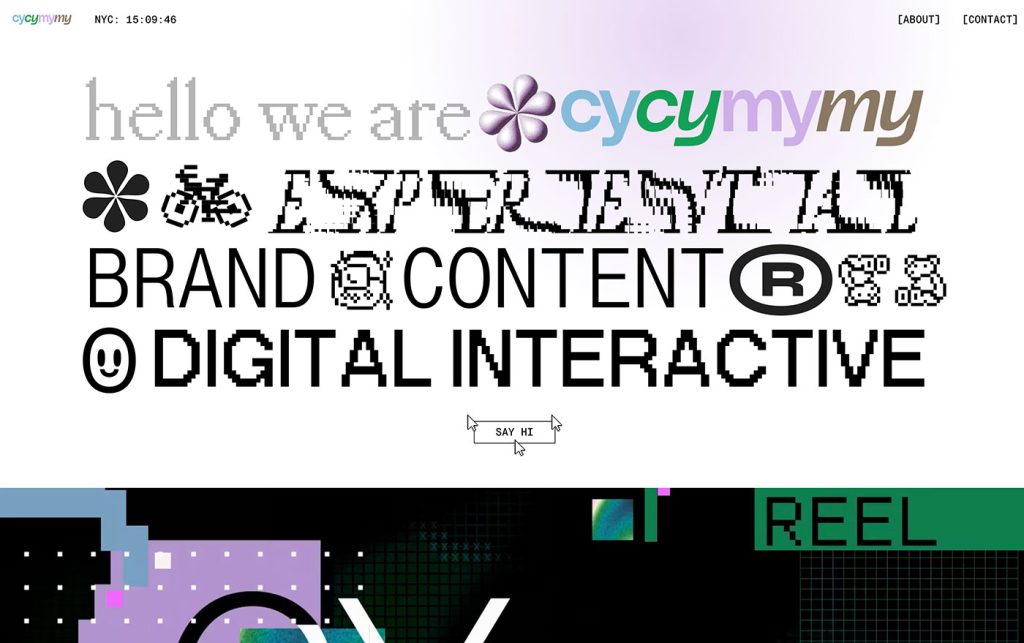
Not Useless: Why Experimental Websites Matter More Than You Think
Every once in a while, a site comes along that makes you pause, grin, and think: Wait—websites can do that? Maybe it’s a portfolio where the cursor morphs into a liquid blob,…

How Aspect Ratios Define Perception, Rhythm, and Flow
Designers talk about color, typography, and hierarchy constantly. But proportion—the silent structure beneath everything—rarely gets the same respect. Every card, photo, video, and module in an interface lives within a…

Token Fatigue: When Abstraction Eats Itself
In theory, design tokens were supposed to save us. They were the missing link between design and code, a neat way to abstract decisions—colors, spacing, typography, motion—into a unified language…

AI as Art Director: Can Machines Develop Taste?
Let’s get this out of the way: AI doesn’t have taste. It has statistics. It knows what’s popular, what’s trending, what’s most likely to earn a double-tap — but it…

Pixel Nostalgia: Why We Miss the 90s Web (Even If It Was Ugly)
It’s easy to laugh at the 90s web now — the blinking GIFs, Comic Sans banners, table layouts held together with duct tape and hope. But beneath all that chaos…
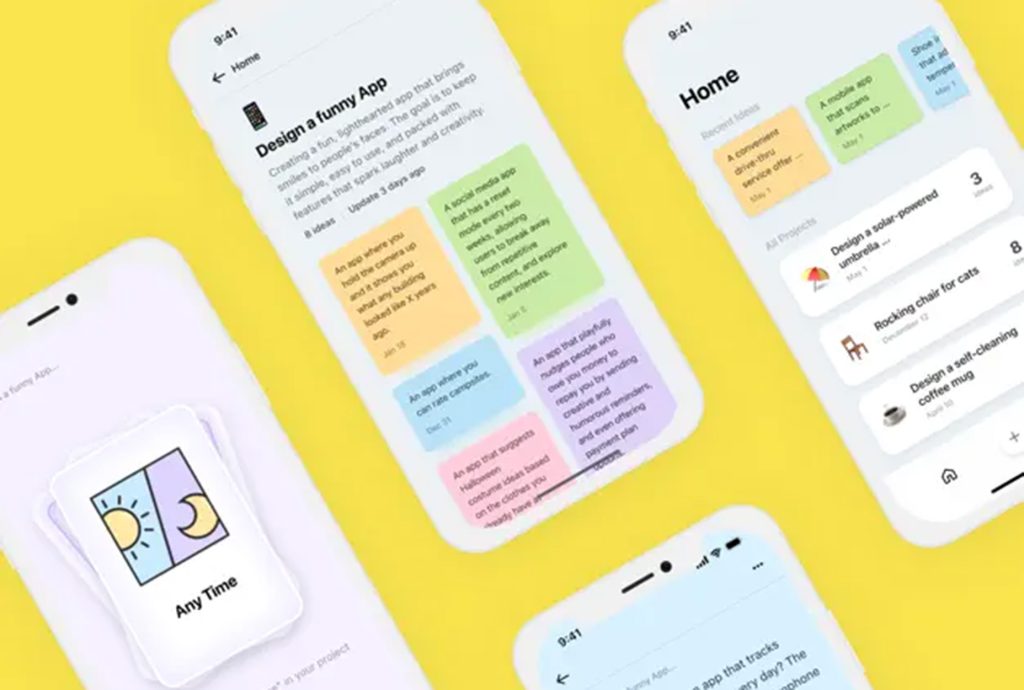
Exciting New Tools for Designers, February 2026
There are so many new – and good – tools for designers out there right now. From tiny bits of artificial intelligence to icons that delight, there’s something to help…