1
The topic of social media is all over the web, and it is important to consider it when designing a website.
The way you display social media icons or links has a direct effect on user engagement.
You have to consider many details when laying out a page, including the layout, the flow of content and the main area of rest on the page.
Whether you end up with typographic links in the header or icons in the footer, you should test out colors, shapes, typography and iconography to ensure that your social links are thoughtfully combined, engaging and well designed.
Here, we’ll show you some examples of how websites display their social links so that you can see the variety of options out there. Check them out, and let us know what you think.
Contentcube
Contentcube, a digital solutions agency, has a clean layout that gets our attention with a bit of texture and a colored header. Both Twitter and Facebook links are located in the header, with the line “Follow us on…”


glue Isobar
glue Isobar, a creative agency, also has a clean layout, with images positioned beautifully across the page. All social links are in the footer, with attractive icons and a strong background color. The company also includes a widget close to the footer with its latest tweet.


Focus Lab
Focus Lab, a small team of website designers and developers, has a beautiful, clean and minimal page. It showcases its Twitter and Flickr links on the contact page and in the footer.


Adam
Adam fixes its header and footer in place as you scroll down. The social links appear in the footer, fixed to the bottom-right of the page.


The Chase
The Chase features the parallax effect as you scroll around the page. Scroll all the way to the bottom to find the social icons.


hellofisher
hellofisher, the website of user experience designer and speaker Steven Fisher, also has a clean design, with social icons showcased very elegantly in the footer.


Elless
Elless, the creative hub of Paul Morris, has a beautiful and colorful layout based on shape, texture and typography. Social icons are on the contact page, along with the contact form.


Owltastic
Owltastic puts its social icons in the top right of the sidebar, preceded by “Follow me.” The combination of color, typography and graphics here is subtle and beautiful.


Unfold
Unfold is a single-page design that you can navigate by scrolling or via the menu. You can find the social information under the menu option for “Sharing.”


Inflicted
Inflicted is the website of visual designer Hugo Loning. The social icons are in the header, standing out in red.


Really Simple
As you would guess, Really Simple has a clean and minimal design. Its Twitter link is in main menu in the header, as a simple typographical link.


Jarad Johnson
Jarad Johnson, an interactive designer, is another who offers an attractive combination of color, shape and typography. His social icons are gathered on the contact page.


What’s Up Cupcake?
What’s Up Cupcake? follows the theme of its cupcakes by giving its social icons a nice color, shape and frame. The icons appear down the middle of the page.


Small Fortune
Small Fortune, a creative studio, has a simple and beautiful layout. Its social links are text-based and have a nice background color.


Red Pop
Red Pop has a clean layout. The red background and white text mix well, and the social links are also simple and text-based.


Decorated Playlists
Decorated Playlists has a clean, minimal and beautiful design. The minimal text-based Twitter link appears in the header menu.


Big Eye
Big Eye showcases its social icons in the header, above the main menu. Colors, typography, texture and icons are combined very well.


Creative Jar
Creative Jar puts its social icons in two places: in the header as an animated Twitter widget, and in the footer as icons.


Marlon Medau
Marlon Medau has an elegant and clean layout that showcases social icons in its beautiful header.


Octavo Designs
Octavo Design has several different background images and vertical navigation. The social icons are in the top-right corner.


What is your favorite way to showcase social icons? Which one here engages you the most?


20 Useless Websites to Waste Your Time
The internet is usually a place for “getting things done,” but sometimes the soul just needs a little bit of high-quality nonsense. These websites aren’t trying to sell you a…
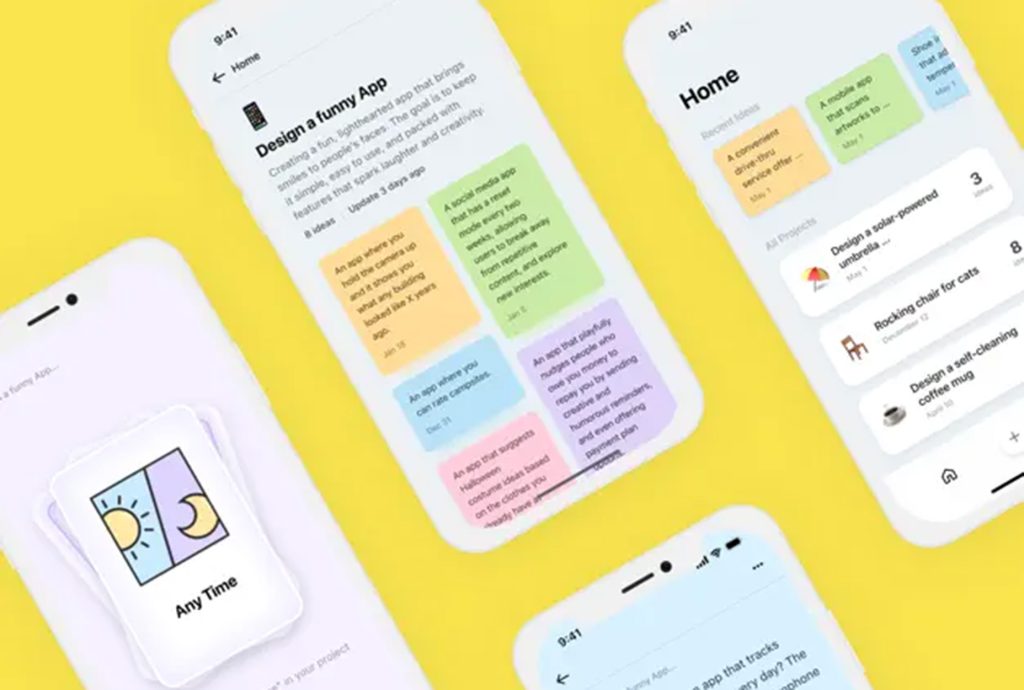
Exciting New Tools for Designers, February 2026
There are so many new – and good – tools for designers out there right now. From tiny bits of artificial intelligence to icons that delight, there’s something to help…
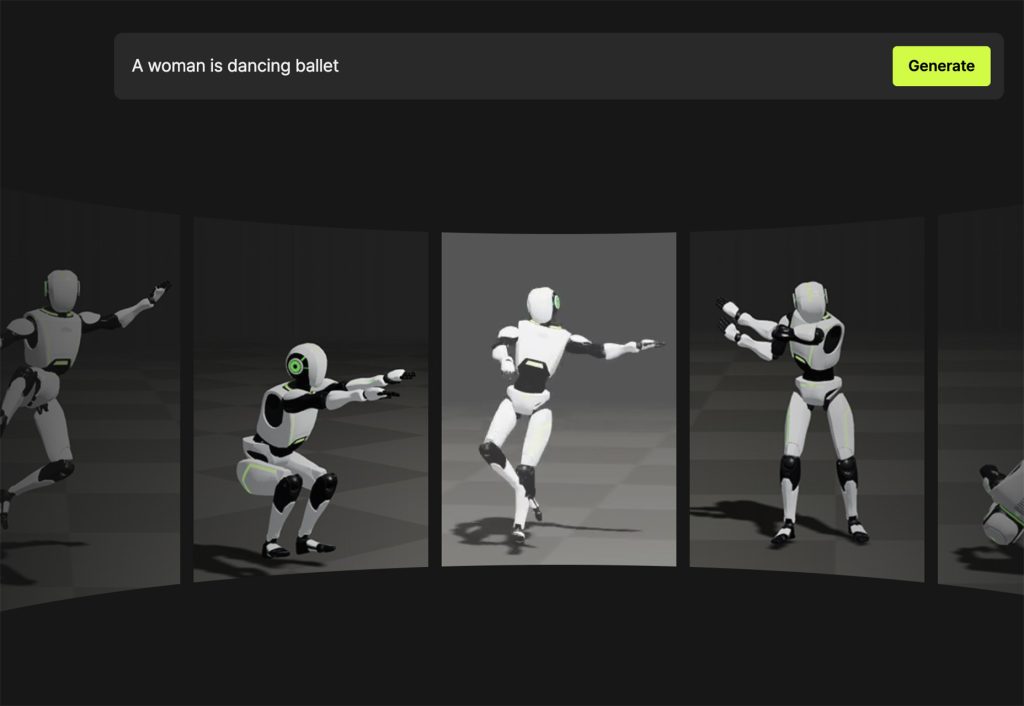
Exciting New Tools for Designers, March 2025
Spring into action this season with new tools to boost your workflows, facilitate creative thinking, and help you be a more efficient designer. This roundup is packed with new goodies…

Compilation: 15 Hilarious Google Flops
When it comes to tech, Google has been synonymous with innovation, success, and world domination (hello, Android and Chrome!). But even the mightiest giants trip over their own feet from…
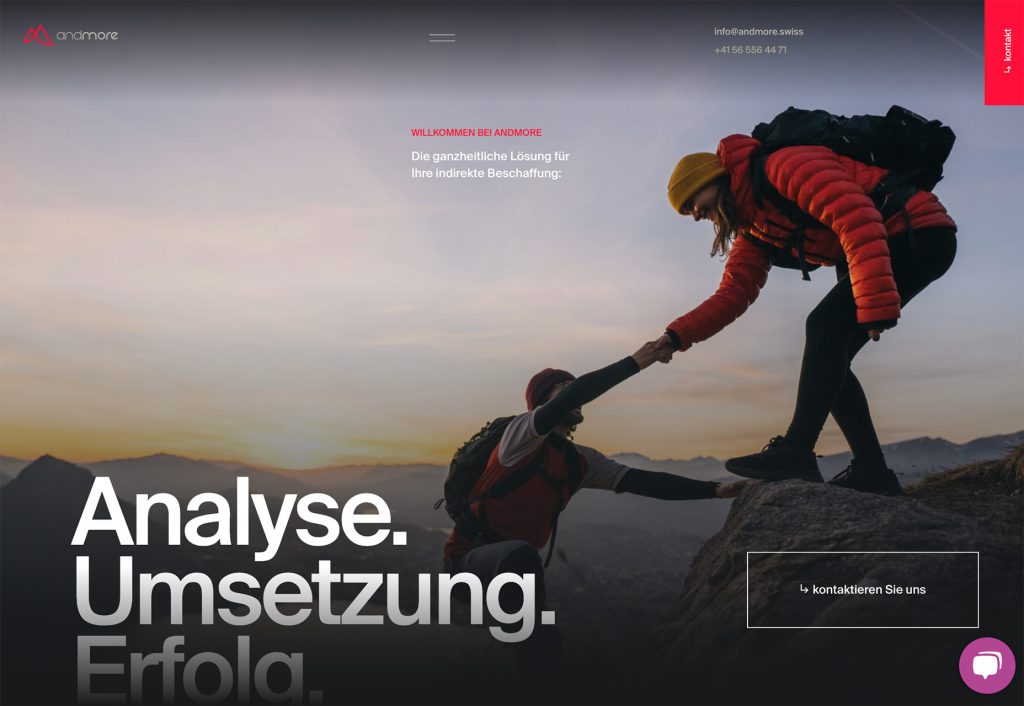
3 Essential Design Trends, January 2025
Happy New Year! If the website design trends we are already seeing are any indication, 2025 is going to be a great year for visual communication. This month’s collection of…
Exciting New Tools For Designers, January 2025
Welcome to our first tools round up of 2025. It’s the first Monday of a new year, and many of you are back at work after a much needed break….