1
So you’re browsing through your favorite website and found a site that uses a font you love. You want that font too, (and must be as quickly as possible!)… so how do we go about finding out what that font is called? Sounds familiar? Yes… we’ve all been there before!
One easy option is to simply email the webmaster and ask for the name of the font and where to get it.
This can take some time and not all webmasters will reply. So, I’ve decided to compile a list of free online tools to speed up the identification process.
1. What The Font
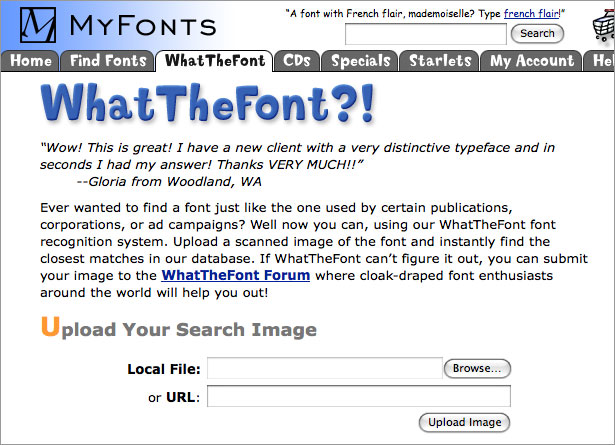
Developed by one of the largest font providers, WhatTheFont is your number one spot for identifying your fonts. Simply upload an image of the font that you want to ID and upload it to their servers (or add a link to the image on the WTF interface), and the system will show you multiple font results. If unable to find it, it will prompt you to go to their Font Forum where you can post the image and wait for feedback from font experts as to what that font may be called. I’ve used both systems and this usually solved most of my font questions.
2. Identifont
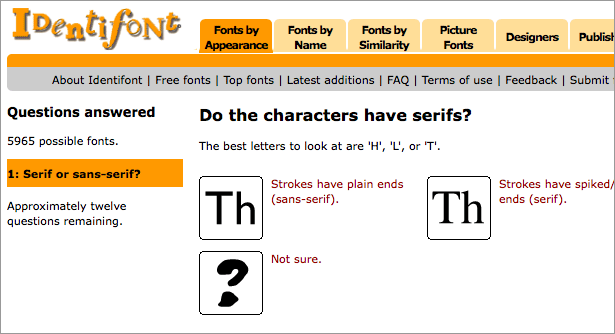
This service takes a different approach and finds your fonts by asking a number of questions about the font. This one can be useful if you do not have an image of the font you’re looking for. I’ve never managed to find any fonts using this service to be honest, but maybe I’m the exception! The service claims to be ‘the largest independent directory of typefaces on the Internet, with information about fonts from 534 publishers and 143 vendors’.
3. Message Boards: Typophile
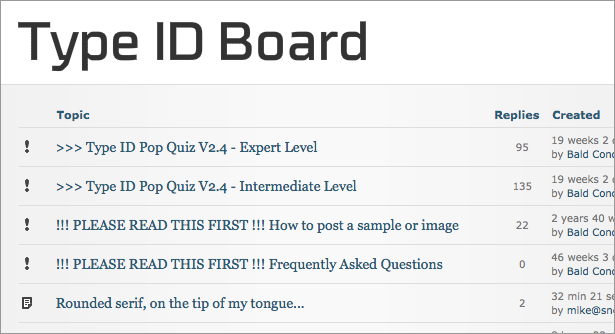
This is probably the greatest and largest community of font experts. You get your answers simply by posting an image of the font you’re looking for in their forum. If unsuccessful there, most font sites have message boards where you can post questions and images about the fonts that you’re looking for.
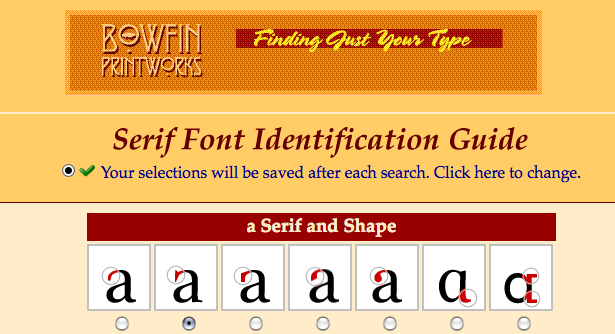
4. Bowfin Printworks
This site offers a ton of information as well as multiple online tools to help you find your font, by answering questions on the shape of the glyphs of the font in question. Similar to Identifont, but seems to be quicker to input all the data as it’s all in one page while Identifont goes through multiple pages and can get tedious. Includes guides for Script Fonts, Bauhaus-style Fonts, Sans Serif and Serif Fonts and Lined Fonts. The owner of the site is also willing to answer any font ID questions for free via email.
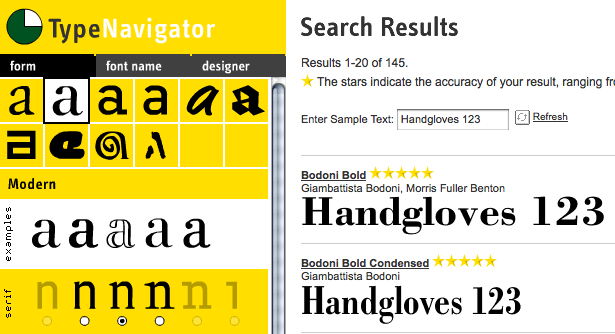
5. TypeNavigator
Developed by Fontshop, this one uses the same principles as the Bowfint system by asking questions about the shape of each character.
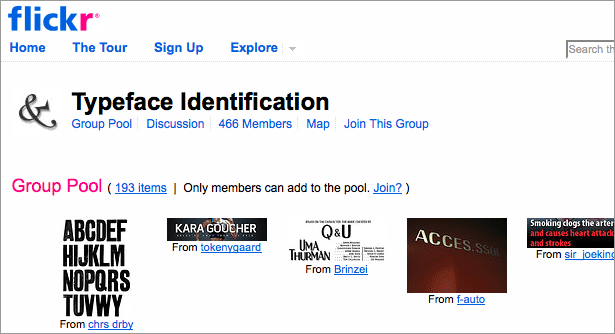
6. Flickr Typeface Identification
flickr has a group dedicated to identifying fonts and another group that showcases fonts used in different images called Fonts in Use which can be useful for quick reference.
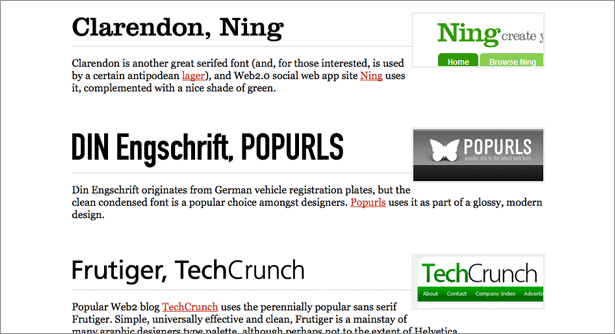
7. Lists of Fonts
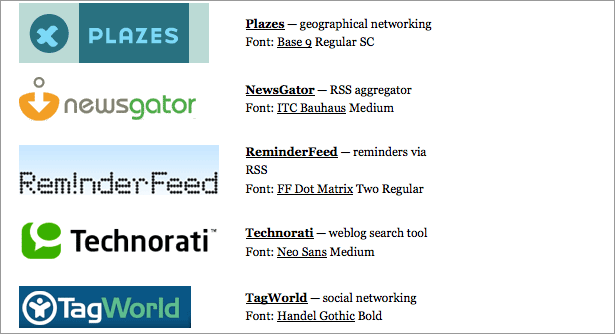
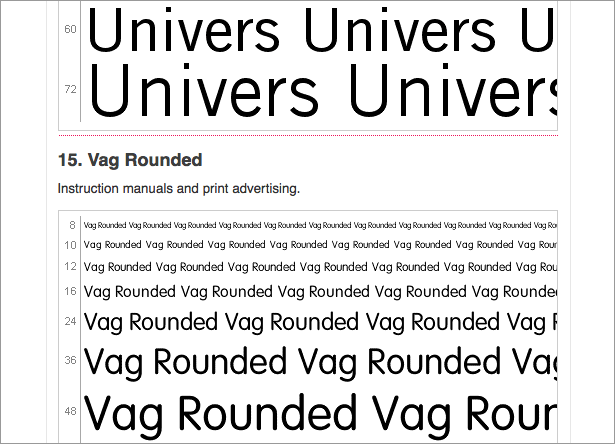
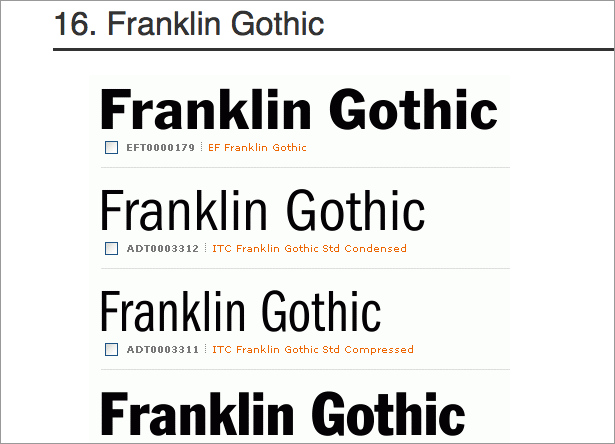
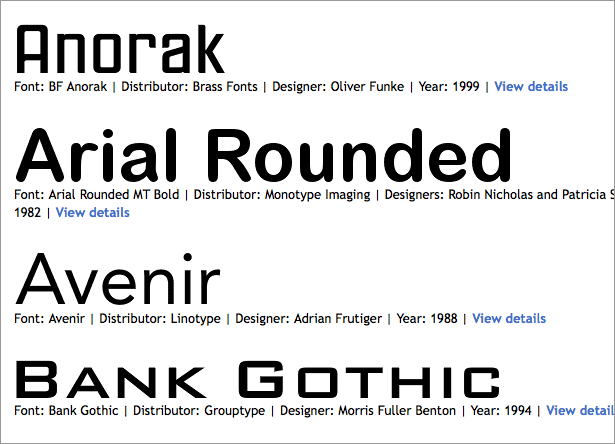
Sometimes the best way to find a font is just by looking at lists of fonts already created with the most widely used fonts. Here are a few popular lists that you can use for quick reference.
Feature image by Shutterstock
Have we missed your favorite resource? Which one do you use? Share your experiences below…

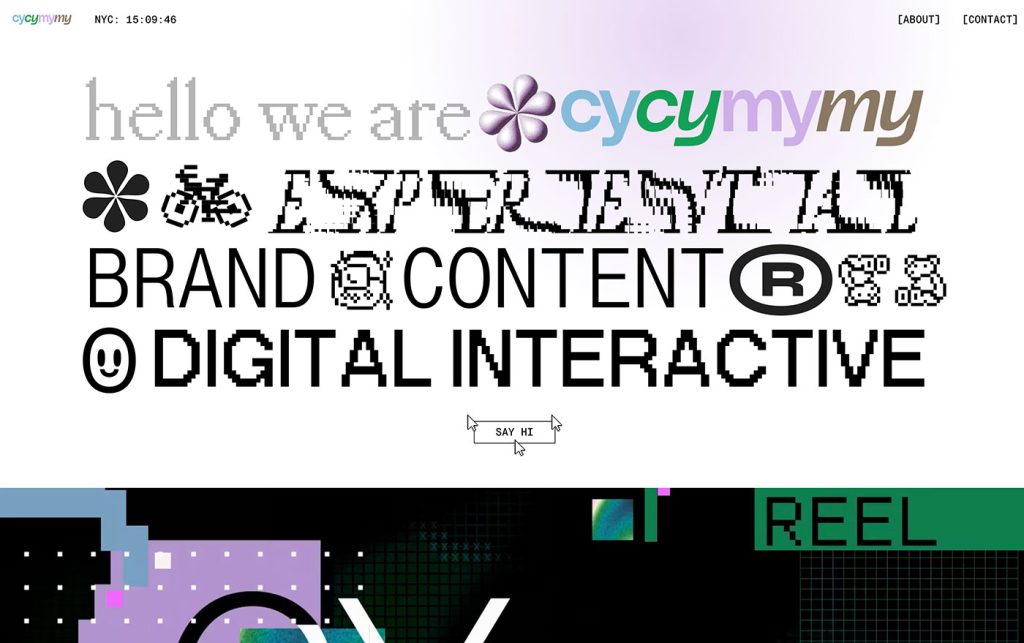
Not Useless: Why Experimental Websites Matter More Than You Think
Every once in a while, a site comes along that makes you pause, grin, and think: Wait—websites can do that? Maybe it’s a portfolio where the cursor morphs into a liquid blob,…
How Aspect Ratios Define Perception, Rhythm, and Flow
Designers talk about color, typography, and hierarchy constantly. But proportion—the silent structure beneath everything—rarely gets the same respect. Every card, photo, video, and module in an interface lives within a…

Token Fatigue: When Abstraction Eats Itself
In theory, design tokens were supposed to save us. They were the missing link between design and code, a neat way to abstract decisions—colors, spacing, typography, motion—into a unified language…

AI as Art Director: Can Machines Develop Taste?
Let’s get this out of the way: AI doesn’t have taste. It has statistics. It knows what’s popular, what’s trending, what’s most likely to earn a double-tap — but it…
Pixel Nostalgia: Why We Miss the 90s Web (Even If It Was Ugly)
It’s easy to laugh at the 90s web now — the blinking GIFs, Comic Sans banners, table layouts held together with duct tape and hope. But beneath all that chaos…
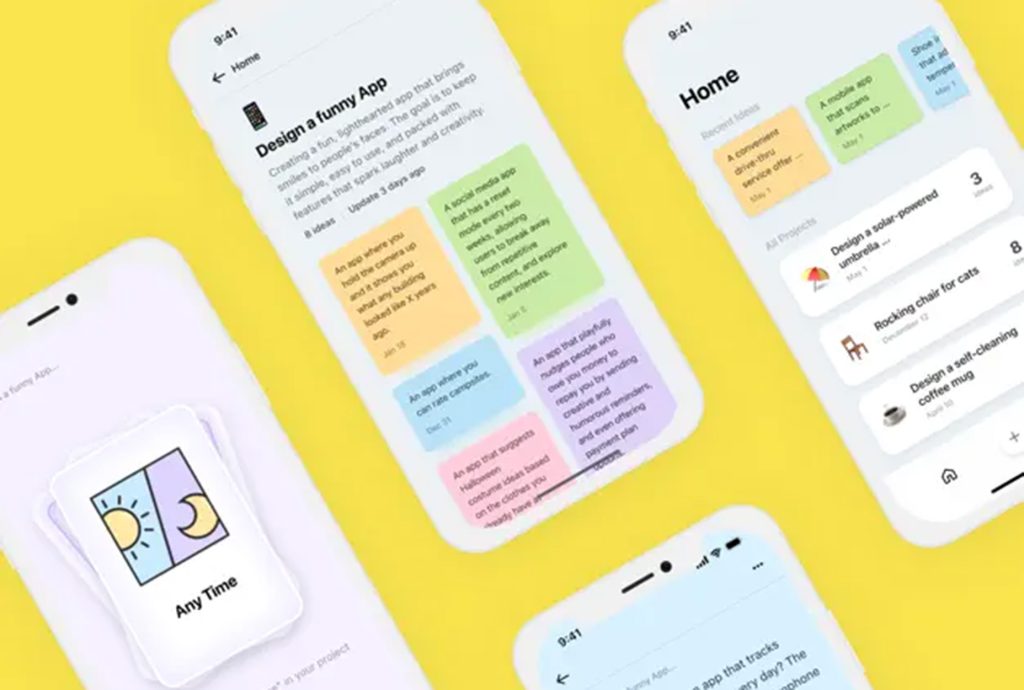
Exciting New Tools for Designers, February 2026
There are so many new – and good – tools for designers out there right now. From tiny bits of artificial intelligence to icons that delight, there’s something to help…