• 30 Mar

    financial_toolsEfficiency and organization are critical for freelance web designers. Managing finances and tracking down payments is not what drew most freelancers into this line of work. Fortunately, while handling finances is a necessary part of the business of freelancing, there are many tools and resources to that can help to simplify things. These tools can be critical to keeping your business running smoothly and efficiently.

    In this post we’ll look at 15 online tools and services that can offer freelancers some help in the area of finances and billing. Most of these tools are paid, but limited free plans or free trials are available in most cases.

    While paying for this type of tool or software may not sound appealing, the time you will be able to save should more than make up for the cost, not to mention less headaches and increased accuracy.

    As you’re evaluating the options that are featured here, keep in mind that each has its own unique purpose and approach. Evaluate your own needs to see what features you should be looking for and try to avoid being attracted by unnecessary features that you’ll never use. A solution that meets your needs with little or no excess will usually be the simplest to use, and probably the least expensive.

    Because most of the services offer a free version or a trial period, you can try a few of them if you’re unsure which one will be the best fit for you. However, you should be able to get a good feel for each by visiting the site and checking out the features and details. Now let’s take a look at the specifics.


    1. XE Currency Converter

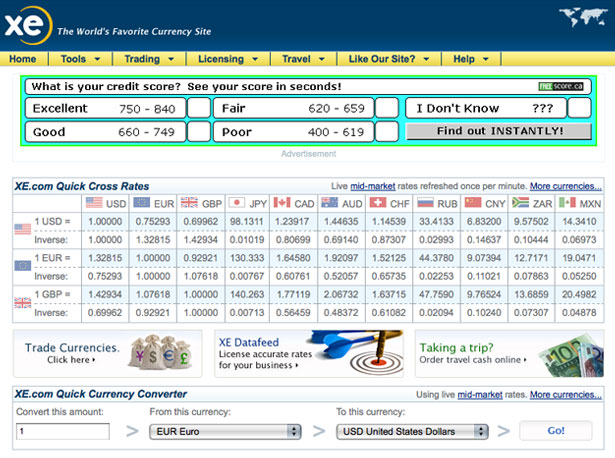
    Many freelancers work with clients in various parts of the world. If this is the case for you, currency conversion may be an issue at times. XE is an easy-to-use tool that will show you the current conversion rate. Simply enter the amount, the currency you’re converting from, and the currency you’re converting to and it will show you an up-to-date calculation. Because exchange rates fluctuate so much, it’s a good idea to have a resource like this handy for times when you need to send out a quote or bill a client. Calculating the currency conversion is free with XE.
    xe1


    2. FreshBooks

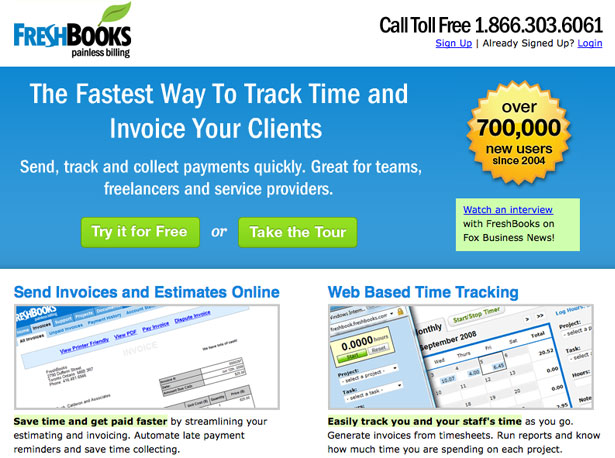
    FreshBooks in one of the most popular options for online invoicing, but it offers much more than just this. In addition to invoicing and invoice tracking, FreshBooks can be used to create and send estimates/quotes, track how your time is being spent, track expenses and track clients. FreshBooks offers a limited free version as well as other options that range from $14 to $149 per month. With the free version you can manage 3 clients (unlimited invoices), and that number goes up with each plan.
    freshbooks2


    3. LessAccounting

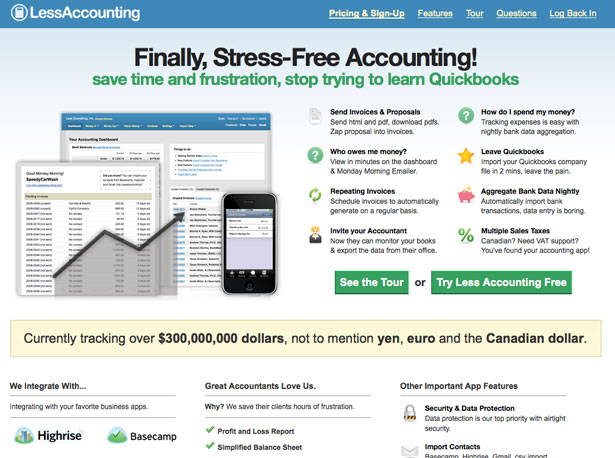
    LessAccounting is intended to be a simple accounting solution for freelancers and small businesses. With LessAccounting you can create, send and track invoices, record and track expenses, allow access to your accountant for exporting data, automatically import bank transactions nightly, and handle sales tax. Prices range from free to $24 per month, depending on your needs. You can get started with a 30-day free trial before deciding on a package.
    lessaccounting


    4. FreeAgent

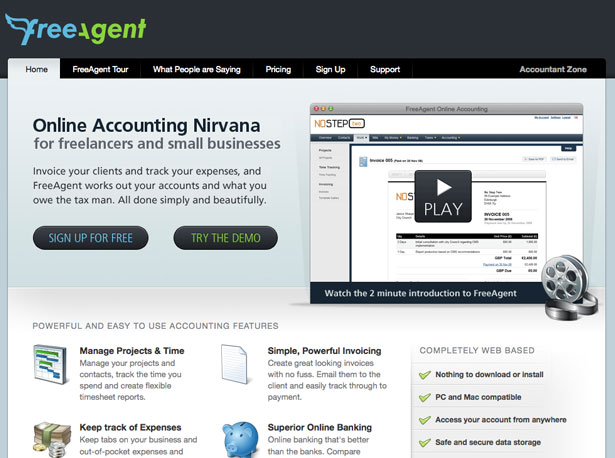
    FreeAgent is an online accounting solution for freelancers and small businesses. With FreeAgent you can manage your time and projects, create and email invoices to clients, track payment on those invoices, record and track expenses, manage your bank accounts and calculate sales tax due. The cost for FreeAgent is $20 per month, but the first month is free with no obligation to continue with the paid service.
    freeagent1


    5. Cashboard

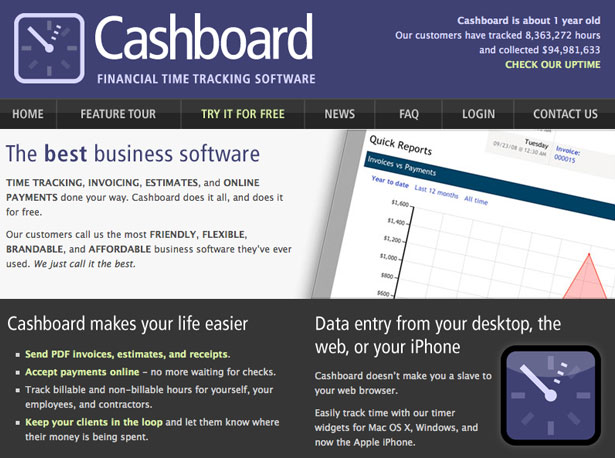
    Cashboard is a time tracking software that also allows you to create, send and track invoices, create estimates and track and accept online payments. Cashboard is also fully brandable and customizable. There is a free account available, plus all paid accounts come with a 30-day free trial. The free plan allows for unlimited invoices on two projects. Paid accounts range from $6 per month (3 projects, unlimited invoices) to $140 per month (10,000 projects, unlimited invoices).
    cashboard1


    6. Xero

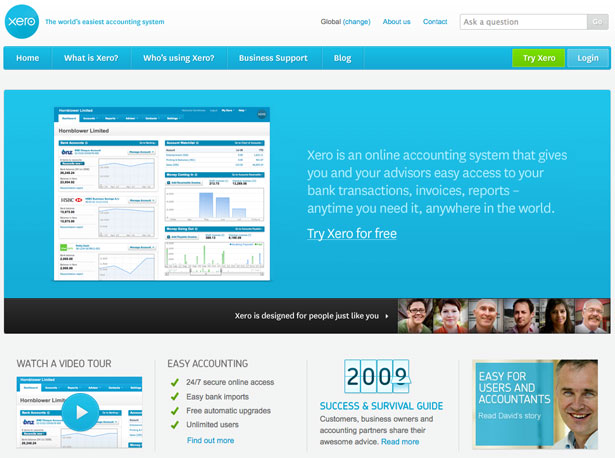
    Xero is a full accrual accounting solution designed for small businesses. With Xero you can handle bank reconciliations, manage contacts, create and manage invoices, track expenses, record personal expense claims, view reports, and more. The cost for Xero is $29 per month and there is a 30-day free trial period.
    xero1


    7. WORKetc

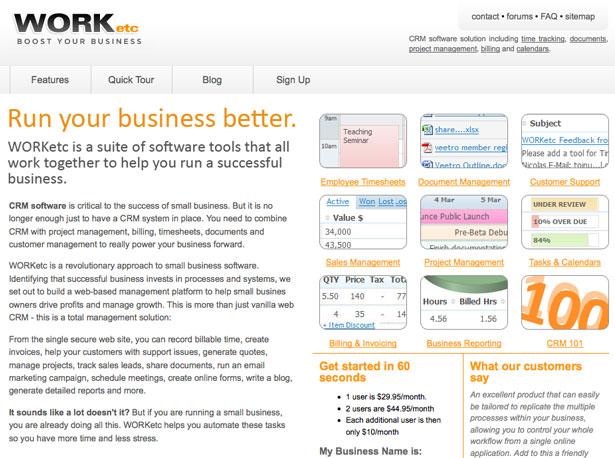
    WORKetc is a full suite of customer relationship management tools. There are a lot of features to WORKetc, including time management, document management, sales management, project management, billing and invoicing, reporting and more. WORKetc may be more than some freelancers need, but it may also be just what you’re looking for. The cost for one user is $29.95 per month, with additional users costing extra.
    worketc


    8. InvoTrak

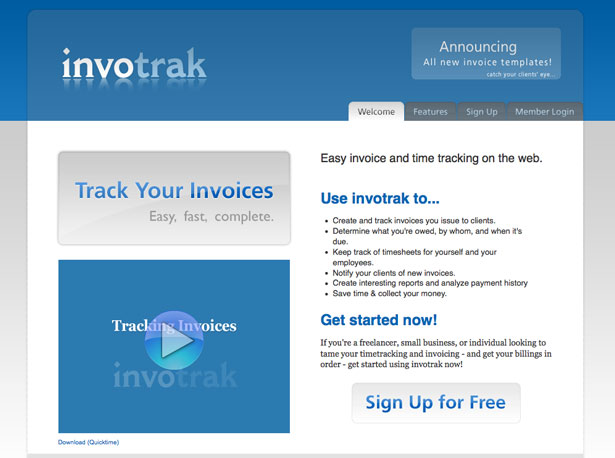
    InvoTrak is a simple solution for creating and tracking invoices and tracking time. It doesn’t have extra features like expense tracking or online banking, but if you’re just looking for something that will handle invoices and time, you may not care about these additional features. InvoTrak offers a free trial that allows you to send 2 invoices per month and the management of 2 clients. The basic plan allows 10 invoices per month with unlimited clients for $9 per month. Additional plans go up from there.
    invotrack


    9. Bill My Clients

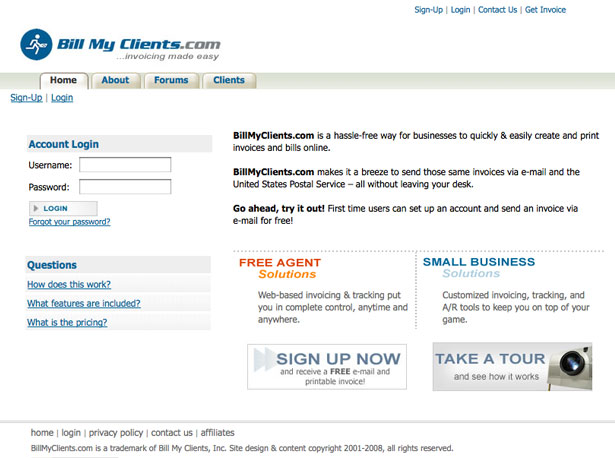
    Bill My Clients will handle all your invoicing and billing activities. For $11.95 per month you can create an unlimited number of invoices to be sent to clients via email. Postal delivery is also available for an additional charge. The plans from Bill My Clients include a lot of features, including charts and graphs, support by email and phone, tax and shipping calculations, branded invoices, attachments, and much more. If you don’t need unlimited invoices, Bill My Clients also offers full-service invoices that are charged on a per-invoice basis.
    billmyclients


    10. LiteAccounting

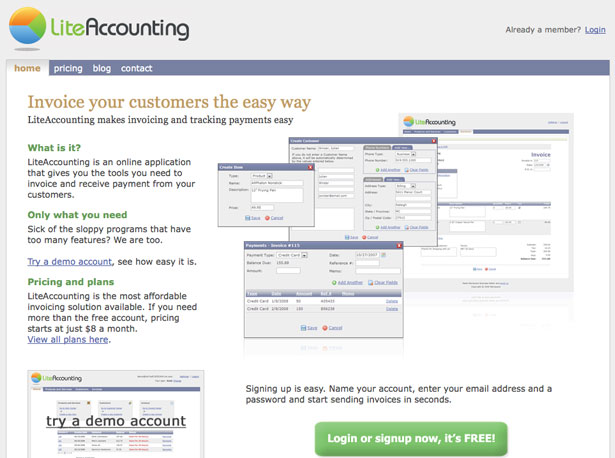
    LiteAccounting aims to be a simple invoicing solution without excess and unwanted features. With LiteAccounting you can create, send, and track invoices, and it integrates with PayPal to accept payment online. There is a free plan that allows up to 5 total invoices per month for an unlimited number of clients. Other plans start at $8 per month for up to 50 invoices per month (in order to receive payments through LiteAccounting and PayPal you will need a paid plan).
    liteaccounting


    11. Billing Orchard

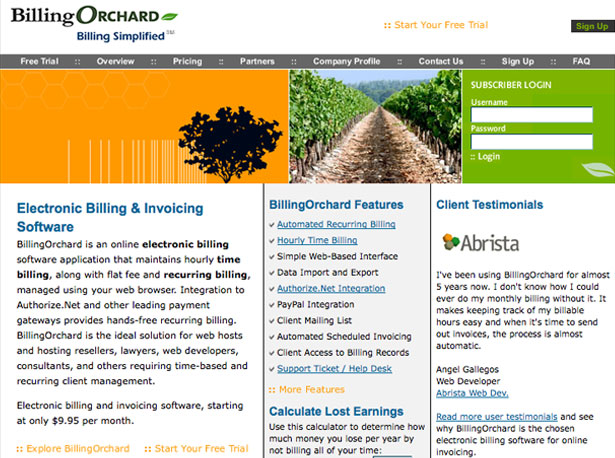
    Billing Orchard offers billing and invoice management. With Billing Orchard you can track time and bill on an hourly basis, or you can use flat fee or recurring billing. Integration to Authorize.net and other payment gateways is possible. Billing Orchard does not offer a free plan, but there is a 15-day free trial. Plans start at $9.95 per month for managing 5 clients and 50 invoices. More advanced plans range in price from $14.95 to $69.95 per month.
    billingorchard


    12. Time59

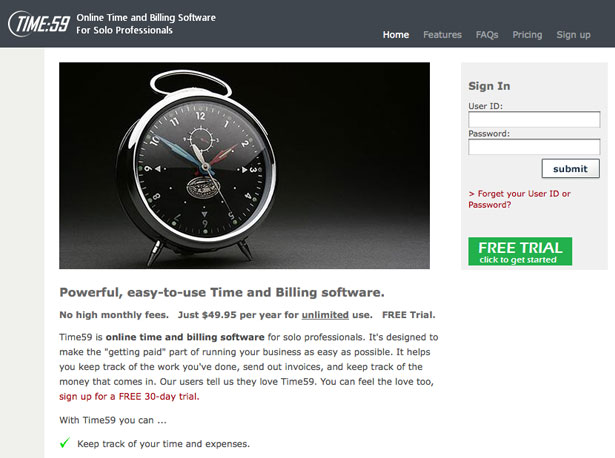
    Time59 allows users to track their time and to manage invoices. With Time59 you can create, send, and track invoices, record payments, view client balances and print reports. Unlike many of the other invoicing and time management options, Time59 charges a yearly fee of $49.95 rather than a monthly fee. There is just one price to have access to all of its features, with a 30 day free trial available.
    time591


    13. Zoho Invoice

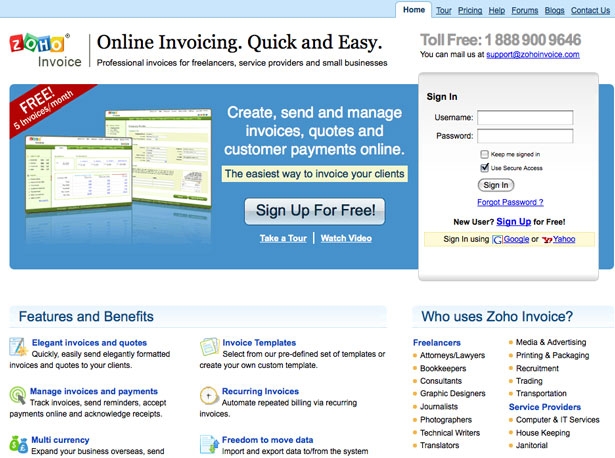
    Zoho Invoice is part of the popular Zoho suite of products. Zoho Invoice will allow you to create, send and track invoices, deal with foreign currencies in quotes and invoices, use their invoice templates, and run reports on your activity. They offer a free account which you can use to send up to 5 invoices per month (unlimited clients). Other plans start at $8 per month for up to 25 invoices.
    zoho1


    14. Bill4Time

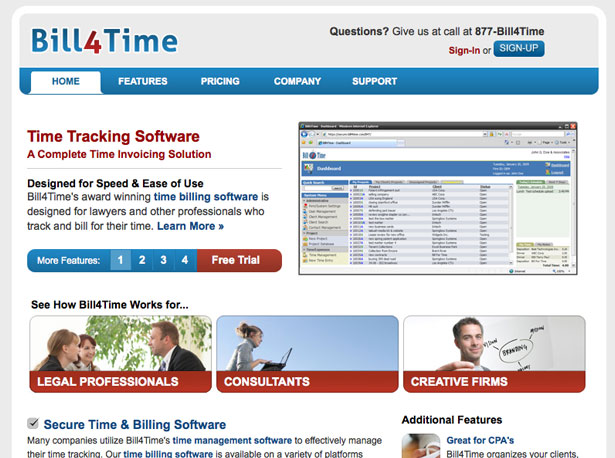
    Bill4Time offers time management and tracking as well as invoicing. With Bill4Time you can manage your time and projects, set your billing rates, receive support, and integrate with QuickBooks. There is a free plan available that allows you to manage up to 3 clients and 5 projects. Lite and Professional plans are available for $19.99 and $39.99 per month. With the lite plan you can manage 20 clients and 30 projects, and the professional plan is unlimited.
    bill4time


    15. QuickBooks Online

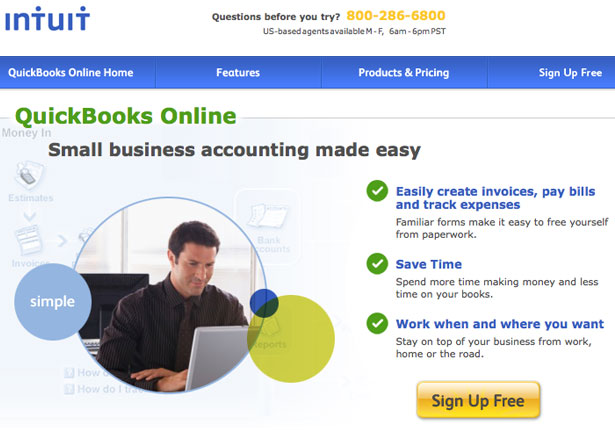
    QuickBooks Online is an accounting option for freelancers and small businesses. With QuickBooks Online you can track all your income and expenses, create and manage invoices, and generally handle the accounting needs of your small business. There is a free plan that lets you manage up to 20 clients, but some of the functionality is limited, including time tracking. Other plans are priced at $9.95 or $34.95 per month, with a 30-day free trial available on both.

    quickbooks

    Written exclusively for WDD by Steven Snell, a web designer and freelance blogger. You can find more of his writing at the Vandelay Design blog and DesignM.ag.

    Have you used these any of these financial tools? Please share your experience in the comments’ section.


  • 58 Comments »

     
    #1
    Dano
    March 30th, 2009 at 6:28 am

    Oh wow. This is exactly what I needed. I didn’t know this stuff was out there. Thanks.


    #2
    Chikezie Ejiasi
    March 30th, 2009 at 6:30 am

    Great list. I’ll check this out. I’ve used Harvest which is great for time tracking.


    #3
    Adam
    March 30th, 2009 at 6:36 am

    Good list, thanks.


    #4
    Paul Hunt
    March 30th, 2009 at 6:48 am

    Very cool list, I will have to try out Time59

    I have been using the above mentioned Xero for the last 6 months. It has saved me a heap of time and is almost additively fun! Highly recommended!


    #5
    Paul Hunt
    March 30th, 2009 at 6:49 am

    - I mean Addictively!


    #6
    Alison
    March 30th, 2009 at 6:52 am

    Are there any free solutions? Or open source ones?

     
    1 Reply
     
    #7
    Bogdan Pop
    March 30th, 2009 at 9:32 am

    @Alison. yes there are. However, they’re no good. After using a couple of free/open source solutions, I ended up with Checkbook and Billings.


    #8
    Andrew
    March 30th, 2009 at 9:40 am

    #4 Free Agent looks to be the best one.. I think I’ll most likely be signing up by tomorrow


    #9
    Alex
    March 30th, 2009 at 9:54 am

    Nice list.
    Never noticed there are so many of these out there.


    #10
    Michael
    March 30th, 2009 at 10:59 am

    I use the free version http://curdbee.com


    #11
    Danh ba web 2.0
    March 30th, 2009 at 11:36 am

    Excenllent list. Thanks for collection
    Nice day !


    #12
    Sarah Williams
    March 30th, 2009 at 1:13 pm

    Alison – for a free solution you could use Bionic Books, that’s what we do (we did try Turbo Cash, an open source product, and I definitely DONT recommend it. Had lots of bugs.)


    #13
    Steven
    March 30th, 2009 at 1:59 pm

    Paul,
    Time59 looks pretty good (and great pricing). I haven’t personally used it but I had some contact with the creator/owner and he seemed like he did a really good job with it.

    Alison,
    I agree with Bogdan. You get what you pay for. Good programs require time from a team of workers, which requires income.


    #14
    Kelly (Raven) G.
    March 30th, 2009 at 2:02 pm

    Why concentrate on paid services? There are so many excellent free services out there without limitations. Take for instance, Paymo (http://www.paymo.biz). Now that’s what I call an essential tool. If you’re looking into hosting your own invoicing, try BambooInvoice (http://www.bambooinvoice.org). To track expenses, I use Xpenser (http://www.xpenser.com). I really don’t understand why someone would pay money to have everything on one website when you could easily get all the services for free just by splitting things up on two different websites.


    #15
    Kelly (Raven) G.
    March 30th, 2009 at 2:12 pm

    And Steven, the key is signing up with websites that limit their free services, but not to the point where the site is practically unusable. Paymo offers unlimited time tracking and invoicing for individuals for free, but for companies that would like to have one login gateway for all their employees, they offer a paid plan. BambooInvoice is a php/mysql application by a developer who uses it and is constantly developing/improving it for his own business. It’s Open Source and pretty impressive. Xpenser will be charging in the future for premium accounts that offer longer data retention and other services that will not at all impact the current functionality of basic (free) accounts.


    #16
    Sean
    March 30th, 2009 at 3:06 pm

    About 2 weeks ago I just started using Billing Boss https://www.billingboss.com/ for my accounting. I looked at other solutions, but couldnt find one that I liked and had billing in multiple currencies (a major detractor from freshbooks, which was my first choice until I couldn’t get multiple currencies)

     
    1 Reply
     
    #17
    Vincent
    March 30th, 2009 at 4:11 pm

    These are all hosted services. Are there ‘offline’ variants that you could install on a local server?


    #18
    Timothy
    March 30th, 2009 at 4:51 pm

    Bookmarked. Thanks


    #19
    Rick
    March 30th, 2009 at 5:10 pm

    What abut those free ones? I came across a few free online financial tools that freelancers could use but I’ve forgot about it already.


    #20
    Ray Gulick
    March 30th, 2009 at 5:25 pm

    We’ve used BlinkSale for a few years. Once you have a significant history, it can be be surprising what you can learn about the “value” of different clients. Pricing for the service is very reasonable.


    #21
    Andy Ford
    March 30th, 2009 at 5:43 pm

    @Alison BambooInvoice is a free/open-source PHP-based invoicing system that you can run on a webhost or on your local machine if you have PHP and MySQL installed. It’s a bit DIY, but it’s pretty good – http://bambooinvoice.org/


    #22
    Karen
    March 30th, 2009 at 6:38 pm

    Great list but you missed Fanurio.

    Fanurio http://www.fanuriotimetracking.com helps with the less appealing aspects of freelancing like invoicing and keeping track of time and. It’s a useful application, with a user-friendly interface. It can be used on Windows, Mac and Linux.


    #23
    Michelle Dancer
    March 31st, 2009 at 1:02 am

    Useful list, and comments too. Now to spend the next 3 hours looking at every link from this page…


    #24
    MVCForge
    March 31st, 2009 at 2:01 am

    anyone here tried Xpenser.com ?


    #25
    Steven
    March 31st, 2009 at 2:44 am

    Karen,
    I’m not familiar with Fanurio. I’ll check it out.

    Kelly,
    I haven’t used any of the options you mentioned. From my experience free services usually have significant limitations. The paid services start at pretty low monthly or yearly prices. My perspective is that I’d rather pay a little bit than spend a lot of time getting something set up or learning to use it (as Andy mentioned it being DIY). That’s just my preference though, if you have good experience with free options than stick with what you like.


    #26
    Andrew Wright
    March 31st, 2009 at 1:11 pm

    Thanks for putting these tools up… I have been freelancing as a designer for a while but just starting to take the business end of things seriously and these have really helped organise me!


    #27
    Julian Reed
    March 31st, 2009 at 3:27 pm

    Hi

    I am stumbling upon such posts quite frequently. This is an extremely good resource list and another one I recently came across at http://www.the-top-tens.com/lists/best-billing-invoice-software.asp

    cheers
    Julian


    #28
    Logo Design guru
    March 31st, 2009 at 5:21 pm

    This is some great advice and good tips. I sometimes really think that designers follow the stereotype and are not always good with handling math and financial issues, so this is a great lesson. I am not saying that is true for everyone, but some. Thanks for the advice. It’s helpful.


    #29
    FontSmithy
    March 31st, 2009 at 9:31 pm

    missing some REALLY good ones:

    blinksale:
    http://www.blinksale.com/home

    harvest:
    http://www.getharvest.com/

    Some of the apps listed in the article are not good. Trust me, I’ve tried a lot of them!


    #30
    John
    April 1st, 2009 at 2:28 am

    Also check out Intervals, which is a time and task tracking app that includes invoicing. It’s ideal for freelancers who need all of the project flow contained in one app.


    #31
    James
    April 1st, 2009 at 2:49 am

    I also recommend blinksale, but to be honest nothing can ever work as well as your own, fully customisable spreadsheet. For version control/backups setup a filter in gMail or similar to autolabel copies you send to yourself.


    #32
    brian
    April 1st, 2009 at 2:50 am

    is their a reason you neglected to include Toggl?


    #33
    Asmaa'
    April 1st, 2009 at 10:11 am

    Exactly what i have been looking for ! , now i need a couple of hours to explore what will suit me :)


    #34
    Dean
    April 1st, 2009 at 11:48 am

    The best without a doubt is the online management system from Gooroo. http://www.gooroo.co.uk. It does the lot!!


    #35
    Design Jar
    April 1st, 2009 at 11:01 pm

    How about Money and The Invoice Machine these are great apps for tracking your business / freelance transactions.


    #36
    BG marketing
    April 6th, 2009 at 6:56 am

    InvoTrak is sweet. Thanks for the post.


    #37
    Directory marocplus
    April 6th, 2009 at 12:39 pm

    very good
    it’s Excellent work
    thanks


    #38
    Sarah
    April 7th, 2009 at 1:08 am

    Great sites! I didn’t know that there were any online services like this out there.


    #39
    AlfredN
    April 7th, 2009 at 7:30 pm

    These are great and Xero is terrific; thanks for the list!


    #40
    Ryan Grant
    April 7th, 2009 at 10:25 pm

    should add invoicemachine.com they have a cool slick interface, tried the demo out and liked it.


    #41
    Marie Poulin
    April 7th, 2009 at 11:04 pm

    http://www.freeagentcentral.com is definitely the best! I’ve only had it a few months, and I don’t know how I survived without it…


    #42
    Wow -
    April 11th, 2009 at 6:45 pm

    I wouldn’t use any of these services – I always prefer to have all my accounting and financial info on my local computer…no need to share it with third party services.


    #43
    Chris Monaghan
    April 16th, 2009 at 2:06 am

    Thanks for including Time59. I’m the developer. We’ve recently added trust accounting for lawyers. We are aiming to be the go-to solutions for solo attorneys.


    #44
    Billy TheSheep
    May 5th, 2009 at 7:51 pm

    If you are in the UK, you can try our service, http://www.receiptfarm.com. It’s an expenses mail-in solution so you haven’t got to type your expenses anymore, you can view everything online and export the data to the above mentionned accounting tools.
    Try it out, it’s free for a month and then it’s around £10

    Cheers

    Billy TheSheep


    #45
    Carl marx
    May 19th, 2009 at 10:57 pm

    Great sites! I didn’t know that there were this many online services like this out there. I will definatly recommend them to my customers.


    #46
    Nuke
    July 22nd, 2009 at 7:01 pm

    Thanks for the list of apps/services to help freelance designers like us to be more productive. I’ve been using few of the apps you have featured on the list for my online billing needs, but I would certainly recommend CurdBee (http://curdbee.com). They offer a complete free version without any restrictions such as number of invoices you can send per month, clients you can add, etc which seems fantastic!

    Even their PRO account is very reasonable and I am saving nearly $20-25 dollars on my online billing software now.


    #47
    jkl
    August 3rd, 2009 at 3:12 pm

    For those not wanting a hosted solution, Sage Invoicing – http://shop.sage.co.uk/free.aspx – is a free, offline solution.


    #48
    burs
    August 13th, 2009 at 11:31 am

    This is a great reminder that we can only control ourselves, not others. So, while someone may give us harsh negative feedback, we still have the ability to be graceful in our response.


    #49
    Derek Organ
    August 25th, 2009 at 7:12 pm

    Check out 1time – http://1timetracking.com

    Really good software for teams looking to manage there time and expenses. Has a mobile version as well.


    #50
    Ria
    August 27th, 2009 at 1:06 pm

    Its a great piece of information… Checked through it…


    #51
    john
    August 29th, 2009 at 5:04 pm

    your blog is rad.


    #52
    sandman6665
    September 4th, 2009 at 12:12 am

    Great list. You may also add “Billing Boss – Online Invoicing” at http://www.billingboss.com. It is free and a great invoicing tool too!


    #53
    saurabh shah
    September 4th, 2009 at 11:55 am

    bookmarked now…. cool list …


    #54
    David
    September 21st, 2009 at 5:17 pm

    Great list thanks, does anyone know of one that allows for recurring invoicing i.e. annual hosting renewal or if a client sets up a payment plan to pay chunks off each month?


    #55
    cash advance loans
    October 15th, 2009 at 12:03 am

    Great article with really good and valid arguments.


    #56
    Ron Arts Web Design
    January 25th, 2010 at 1:29 pm

    It is an excellent list. A great piece of useful tips and information.


    #57
    NY SEO
    January 26th, 2010 at 9:23 pm

    Great article, you may want to check out forperfect.com for cinvoice.


    #58
    Webby Design Guru
    January 29th, 2010 at 2:44 pm

    It seems you have put in a great effort for this post. Really appreciate your work. Good job!!!!

     
    Name (required)

    E-mail (required - never shown publicly)

    Web-site

    Your Comment (smaller size | larger size)

Home| Advertising| About| Contact

© 2010 All Rights Reserved