• 1 May

    Simplicity is key to any successful website or web app.

    If your site is too complicated, the user will have to go through too many hoops to find what they are looking for and won’t even bother trying it out.

    The Jackson 5 got it right back in the 70’s when they sang “easy as 123″.

    A simple and effective approach is to break down your services, signups and checkouts into 3 easy steps. This will improve usability, increase sales, signups and conversion rates.

    In this article, we’ll take a look at 20 great examples of the 3 step approach for effective website usability.

    1. Banner Snack
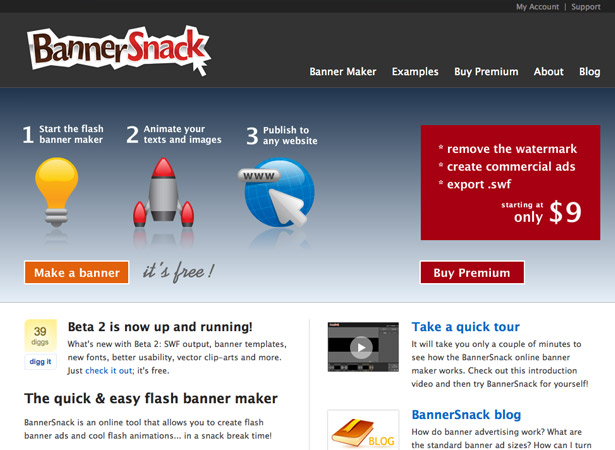
    Banner Snack


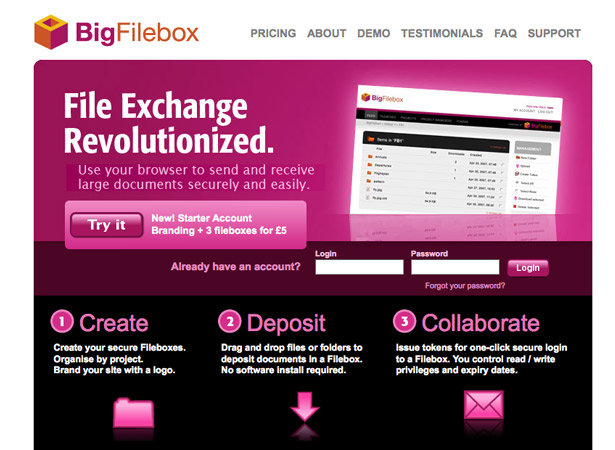
    2. Big Filebox

    Big Filebox


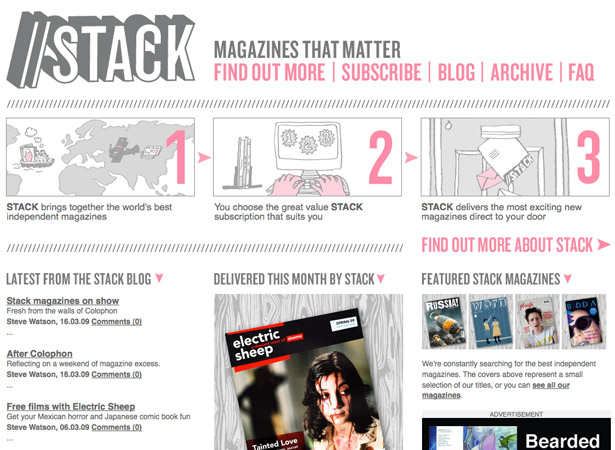
    3. Stack Magazines

    Stack


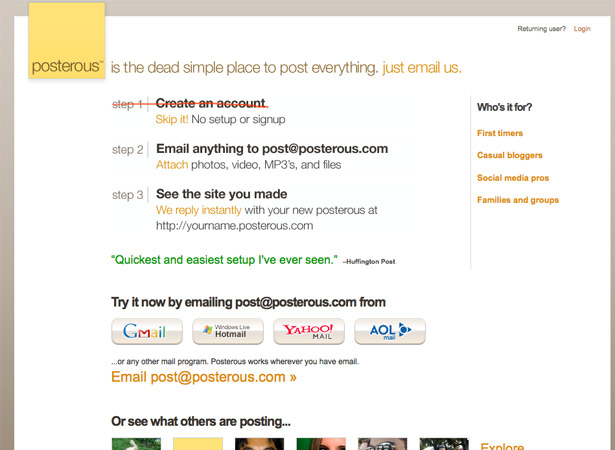
    4. Posterous

    Posterous


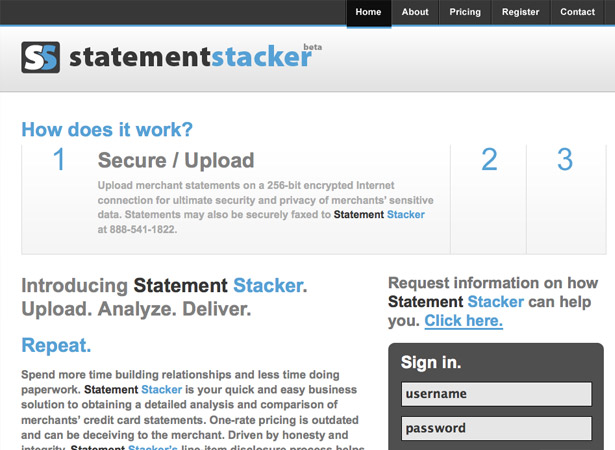
    5. Statement Stacker

    Statement Stacker


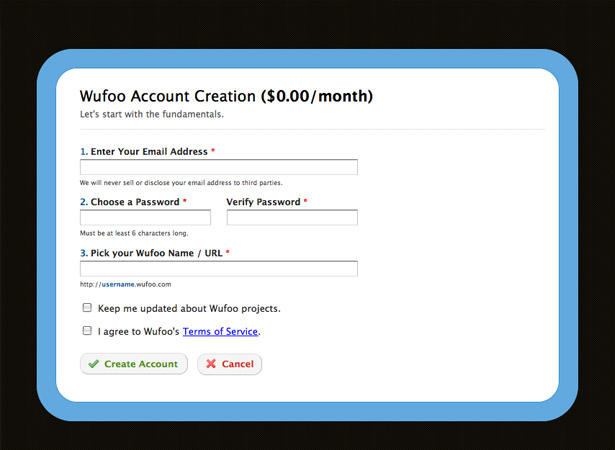
    6. Wufoo

    Wufoo


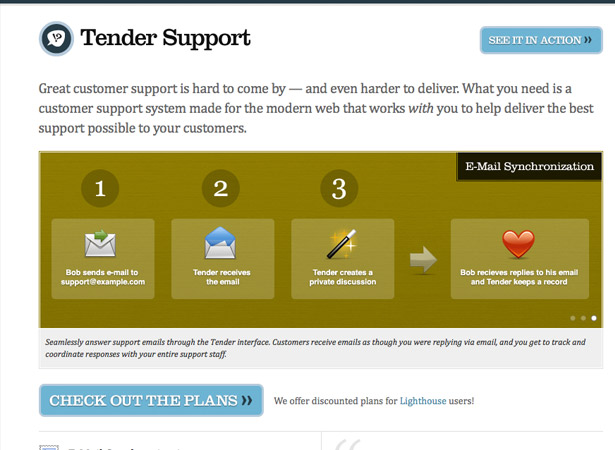
    7. Tender Support

    Tender Support


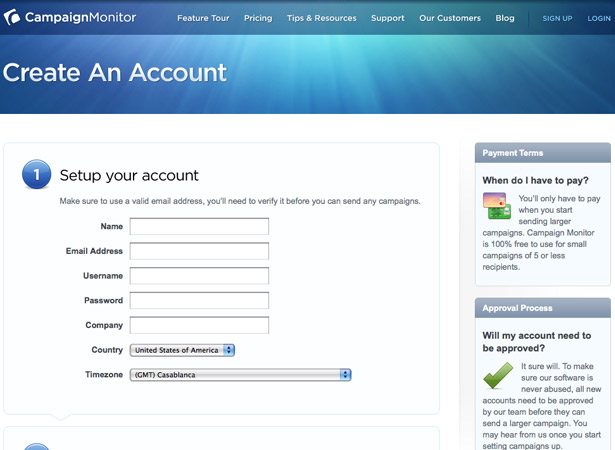
    8. Campaign Monitor

    Campaign Monitor


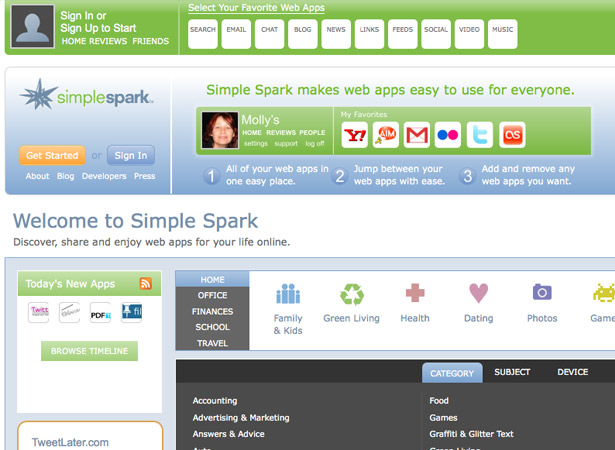
    9. Simple Spark

    Simple Spark


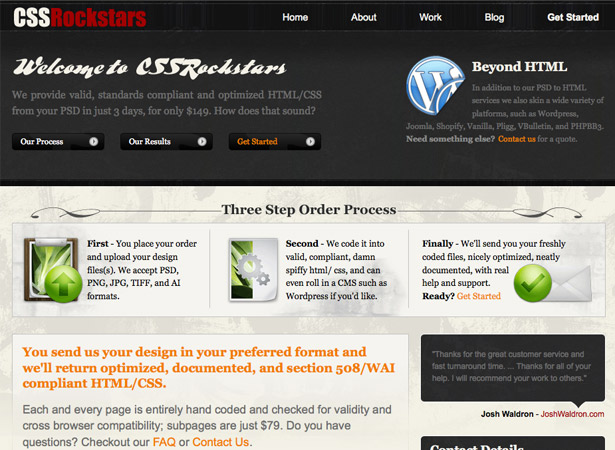
    10. CSS Rockstars

    CSS Rockstars


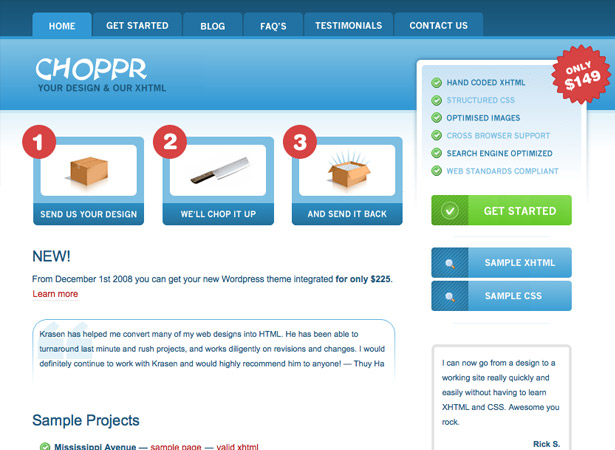
    11. The Choppr

    Choppr


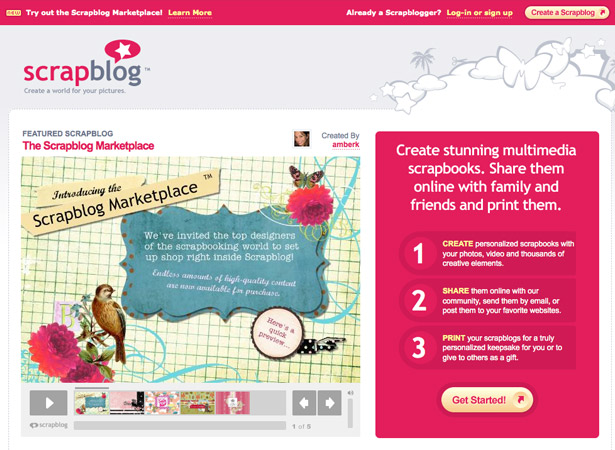
    12. Scrap Blog

    Scrap Blog


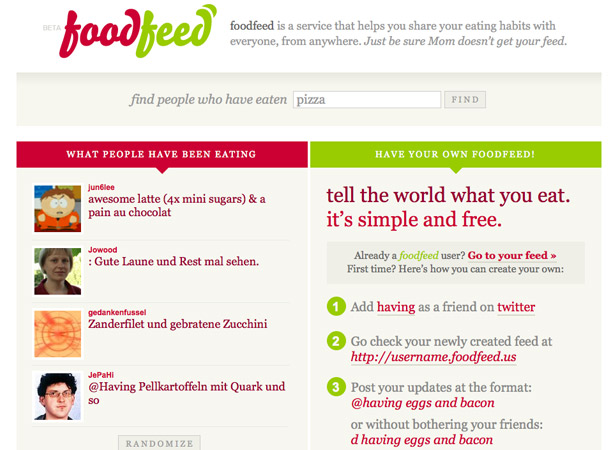
    13. Food Feed

    Food Feed


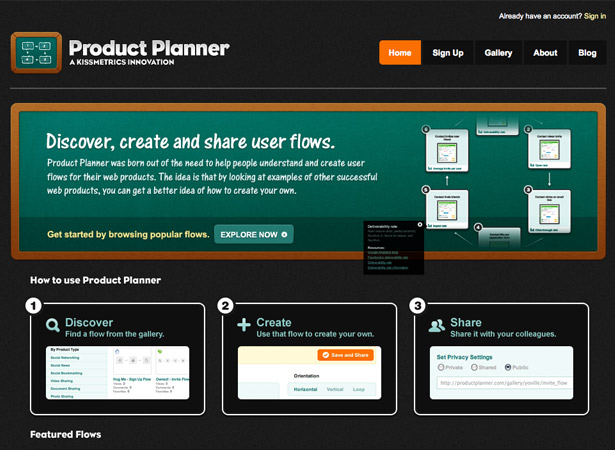
    14. Product Planner

    Product Planner


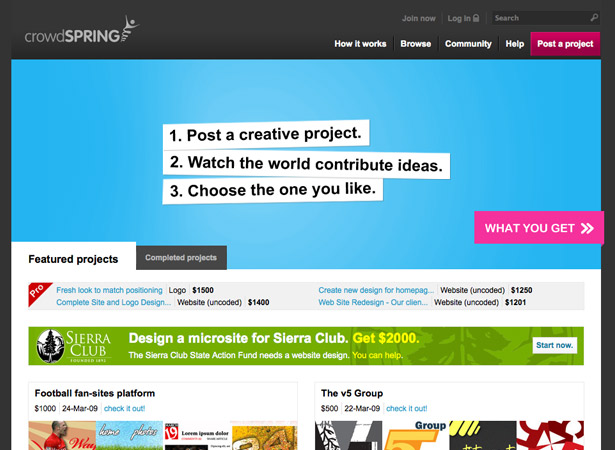
    15. Crowd Spring

    Crowd Spring


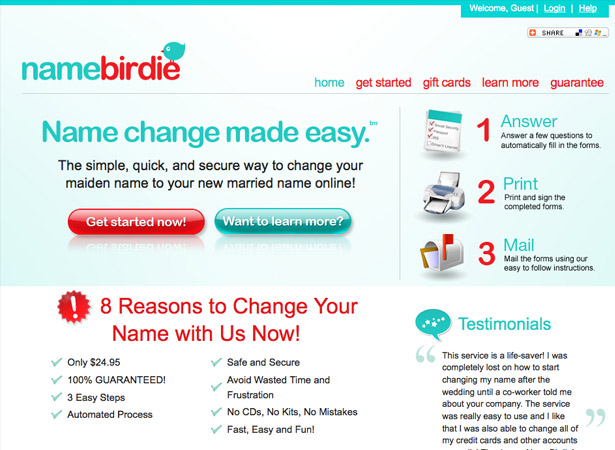
    16. Name Birdie

    Name Birdie


    17. The Twitter Tag Project
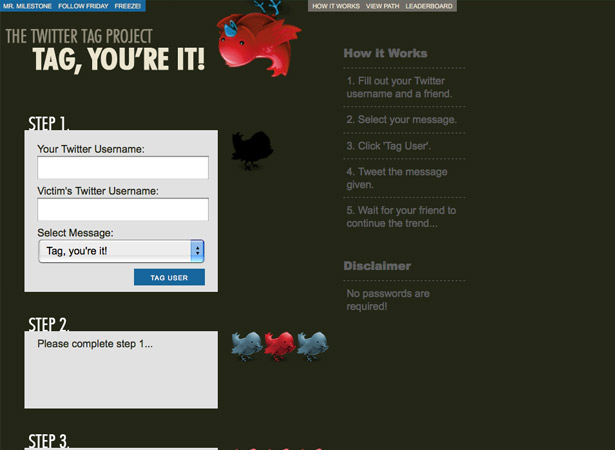
    Twitter Tag Project


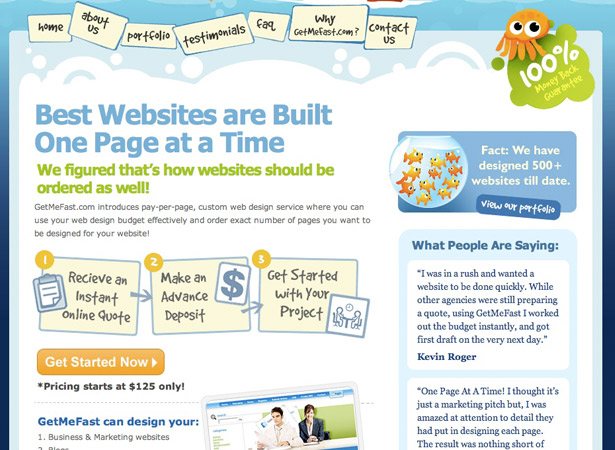
    18. Get Me Fast

    Get Me Fast


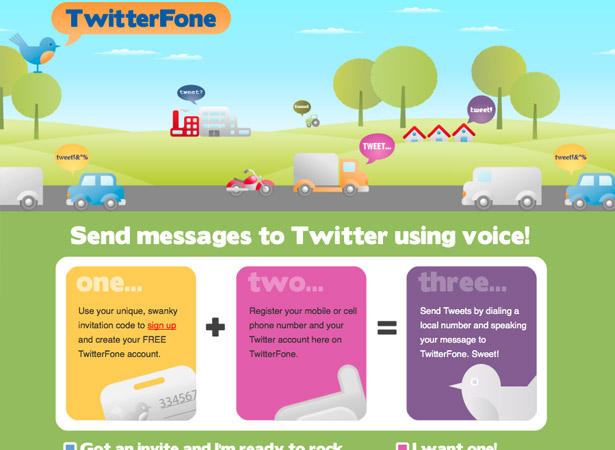
    19. TwitterFone

    TwitterFone


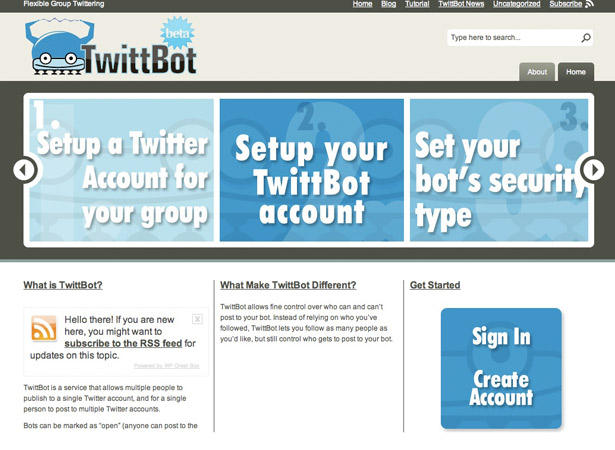
    20. TwittBot

    TwittBot


    Written exclusively for WDD by Lee Munroe, a freelance web designer and blogger. You can find more of his writing at his blog or follow Lee on Twitter.

    Is the 3 step approach an effective way to simplify your web design? Please share your comments below…


  • 31 Comments »

     
    #1
    James Duffell
    May 1st, 2009 at 5:34 am

    Some lovely clean and crisp designs, great post


    #2
    Carl - Web Site Design Instructor
    May 1st, 2009 at 5:55 am

    Really liking todays type of design, lots of padding really makes you breath better when your looking at these sites :)


    #3
    kulot
    May 1st, 2009 at 9:26 am

    i love this collection, very inspiring.


    #4
    David Hamill
    May 1st, 2009 at 11:45 am

    I’m not sure 1,2,3 is the bit that makes it usable. It’s the fact that the process is explained upfront that is important. Each offering you design for will be different and so you need to do what works for each particular case.

    I recommend that people steer clear of arbitrary rules like this. If you try to cut a 5 step explanation into 3 steps you just risk confusing people.


    #5
    aravind
    May 1st, 2009 at 11:54 am

    Great Roundup Lee,
    Thanks.. :)


    #6
    patternhead
    May 1st, 2009 at 12:45 pm

    Some great designs here, easy as 1 2 3 :)


    #7
    AYANO
    May 1st, 2009 at 4:58 pm

    “Easy as 1,2,3″ was my philosophy for years now. Great article.

    Thanks for not putting 100 pictures into one article anymore. ;)


    #8
    Patrick
    May 1st, 2009 at 6:35 pm

    Yeah this is just a series of screenshots that happen to have “1,2,3″ in them. This list does nothing to explain the value of a simplified approach…

     
    1 Reply
     
    #9
    Yosef Solomon
    May 1st, 2009 at 7:07 pm

    Interesting post, the UI for each of those sites is also amazing. Great compliment and easy to use.


    #10
    Jonny Campbell
    May 1st, 2009 at 7:15 pm

    Excellent examples. very inspirational. 3 IS the magic number after all.


    #11
    John
    May 1st, 2009 at 9:59 pm

    Less is more. I love simplicity and it works well in all fields of design.


    #12
    odszkodowania
    May 1st, 2009 at 10:40 pm

    Good job.


    #13
    PelFusion
    May 2nd, 2009 at 7:11 pm

    you really worked hard to compile this list :)
    thanks


    #14
    Alberto Vera
    May 3rd, 2009 at 3:01 am

    I do have to agree with the fact that simplifying makes things easier, but you must take in consideration the context that you are designing, there are some time that a 1 to 5 or even 1 to 8 step approach is better than 1,2,3 approach. A better rule of thumb that any good user interface designer or web designer should apply is the DONT MAKE ME THINK!, a button shoould look like a button and a link should look like a link.

    Thank you for inspiring designs, and for remembering us that simplicity is the father/mother of any good design.


    #15
    Michael Arnaldo
    May 3rd, 2009 at 4:46 am

    Great stuff.


    #16
    Tukang Nggame
    May 3rd, 2009 at 9:45 am

    great article, the 3 step combined with good layout design…
    and this is helpful for me


    #17
    Davor
    May 3rd, 2009 at 12:09 pm

    Great article and some really good examples. But I would like to see and a case study of a large web site – magazine, news portal, etc….it is really an form of art to keep things simple as 1,2,3 but what when You have tons and tons of content to tackle and for example squeeze to the front page?


    #18
    UsabilityTest.com
    May 3rd, 2009 at 2:58 pm

    I agree with David, while the designs featured here are awesome, it’s not about 1-2-3 its about explaining clearly what the service is about and having call to actions visible enough.


    #19
    de andi
    May 3rd, 2009 at 8:29 pm

    All designs are really great. Specially for “18. Get Me Fast ” because personally I know the designer very well.


    #20
    Zac
    May 3rd, 2009 at 9:53 pm

    Sweet!


    #21
    Tukang Nggame
    May 3rd, 2009 at 10:33 pm

    combined usability with nice design,,,
    Great post


    #22
    Adrian - WPDONE
    May 3rd, 2009 at 11:31 pm

    “Simple as 123″ – I like this sentence! This will be the subject of my next Wordpress theme and I’ll keep it as simple as I can.
    Thank you for the great examples.


    #23
    5nake
    May 5th, 2009 at 6:58 pm

    thx for collection.
    post in favorites ;)


    #24
    Lee Munroe
    May 6th, 2009 at 2:13 pm

    Thanks for the comments.

    Agreed, it’s not the 1,2,3 that makes a website usable, it’s about a clear process and clear call to action.

    What I think works though is if your service down into 3 steps, especially for summing it up on the homepage, it makes things simple for the user to understand quickly.

    So an online shop for example, instead of saying
    1. Search for the product
    2. Click on more detail
    3. Enter qty
    4. Click add to basket
    5. Go to basket
    6. Register
    etc.

    You could simplify it to 1. Find it, 2. Click it, 3. Buy it


    #25
    web design company manager
    May 12th, 2009 at 2:36 pm

    My question is reagrding flash design. All we know that flash influence much load rate. Do you think that it can be combined with the site simplicity?


    #26
    jonathan allen
    May 12th, 2009 at 6:13 pm

    The 3 step approach is very useful when offering a product that is a service. It gives the user the idea that completing the task at hand is simple, quick, and easy. This way the user isn’t discouraged and has less of a chance of being a bounce statistic. Great examples here.


    #27
    www.Flort.Net
    June 11th, 2009 at 2:12 am

    Great stuff.


    #28
    ooKooDoo
    August 18th, 2009 at 10:04 pm

    Easy practice are always the best !!

    Thanks for the remember


    #29
    Alaska Web Design
    September 10th, 2009 at 7:52 am

    This is very effective. If you have to add cartoons and dumb it down, so much the better. Users won’t feel intimidated and they understand the 1-2-3


    #30
    crowdsourcing
    January 26th, 2010 at 4:55 pm

    I liked twitter phone and CSS rockstar. Very nice websites and really helpful.


    #31
    m65 field jacket
    January 29th, 2010 at 10:54 pm

    very useful information thanks a lot for this

     
    Name (required)

    E-mail (required - never shown publicly)

    Web-site

    Your Comment (smaller size | larger size)

Home| Advertising| About| Contact

© 2010 All Rights Reserved