1
This post has been a long time coming. Whether on Twitter or in the blogosphere, the question often arises, and I have been asked numerous times for my opinion on the ExpressionEngine vs. WordPress debate, and why one would choose one content management system (CMS) over the other.
My usual answer is that they cannot be compared. While WordPress had made huge strides in usability, for anything other than a blog it is an apple.
ExpressionEngine, with the release of version 2.0, makes for a lovely platform that is, as we will see, an orange.
Handling Content
The biggest difference between WordPress and ExpressionEngine is the way in which content is handled.
In WordPress, we all know that you can create a new post. This new post usually has a content section but may have some custom fields that are defined either on the fly or by the developer who created the template’s framework.
So, when you create a new post, the content will be displayed in different ways, depending on the category chosen and whether the category is a parent or child (i.e. sub-category). For the most part, though, whether they choose a new category or input data into pre-defined custom fields, the user will see the same input screen.
The items chosen by the user determine how the content is displayed. Some users like this. I think it shows WordPress’ roots as a blogging platform. This is not a knock because WordPress has certainly pushed the envelope on what can be done with a CMS just by uploading a few files. More to come on themes later.
Changing Channels
ExpressionEngine handles content quite differently. In ExpressionEngine, the user defines channels.

Each channel can be thought of as a separate blog—in fact, this is what it was called back in version 1.6.x. For each channel, you can define custom fields, categories and behaviors.
All of this is hidden from the average user in the administration portion of the website. The user would typically have access only to the “Publish” and “Edit” sections of the website and possibly some modules (which is similar to plug-ins in WordPress).
An Example
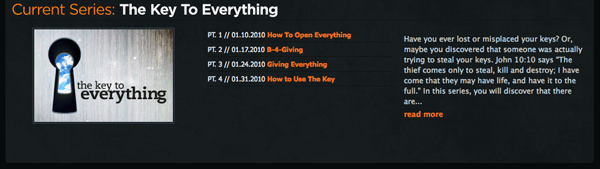
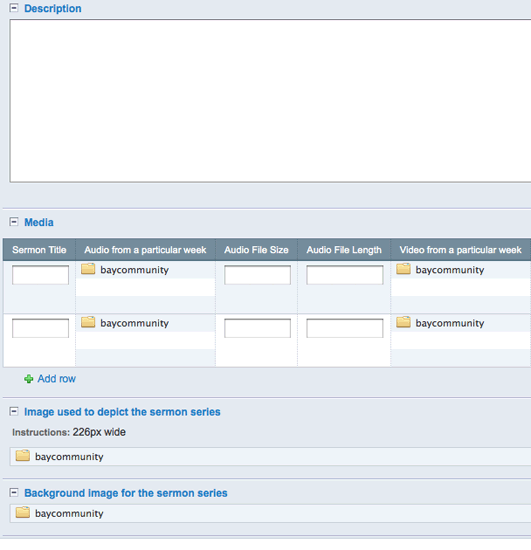
Recently we built a website for the Bay Community Church using ExpressionEngine. The website has a media section, and in that channel we created the following custom fields: title, description, image, audio and video files, file sizes, file lengths, and date on which the files were recorded.
Of course, channels can be as simple or as complex as you like (this particular website had five to six more custom fields for the media channel alone).
Most ExpressionEngine developers realize the power of the CMS’ add-ons, which also happens to be why most of them have been slow to move from version 1.6.x to 2.0. They know that most of the add-ons won’t be available for 2.0 for another couple of months.
With just a few add-ons, we extended ExpressionEngine, allowing church staff to add multiple files per entry. In the content structure of this particular website, a sermon series would be an entry on its own, and individual sermons for that series would be added to it.
To make it even more complicated, you could have any number of different types of fields in a channel (e.g. textbox, textarea, checkbox, S3 Integrated BucketList, FieldFrame Matrix, nGen File Field).
The website also has a section for small groups of people who gather for studies or fellowship.
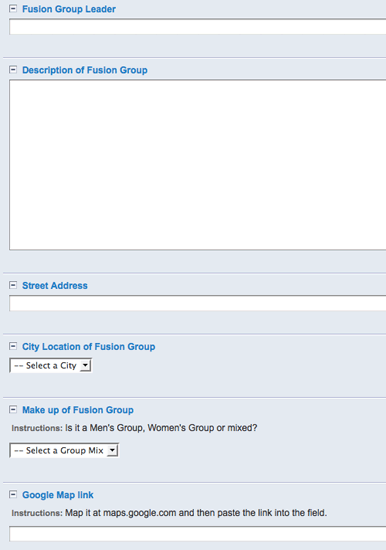
If you navigate to a “New entry” page for the small groups, you would see a completely different set of custom fields (title, leader, location, meeting time, etc). So, from the user’s perspective, entering new content is easy because each channel is tailored to the content they are recording.
Why I Love ExpressionEngine
As a web designer, I love ExpressionEngine because it gives me extensive control. Most of my clients don’t have a single WYSIWYG editor anywhere on their website! I can control headings, MP3s, PDFs, lists and whatever else needs styling through CSS.
Unless they decide to learn HTML in order to apply inline styling, the design won’t be horrendously violated with 50-pixel blinking red fonts.
Content Construction Kit
I believe the Drupal community originally coined the term Content Construction Kit (CCK). CCK basically allows the user to define various types of content.
Perhaps the folks at EllisLab would disagree, but I would define ExpressionEngine as a CCK system. WordPress seems to be moving in that direction but is not there yet. Plenty of WordPress template developers are designing and adding to the framework, giving WordPress new kinds of functionality.
Changing the Look and Feel
For the most part, anyone can set up a WordPress blog or website with little knowledge of WordPress, PHP, HTML or anything else that would keep an Internet newcomer from blogging.
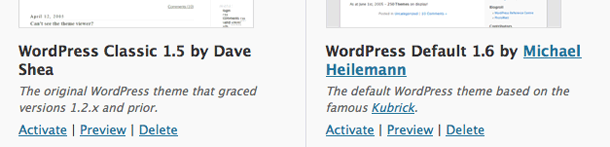
I have a non-technical friend who has set up several WordPress blogs without any of my help. Just download a template package; unzip it; upload it to wp-content/themes; log in; activate the new template; and voila! Magic happens, and you end up with a whole new website. WordPress shines in this area.
ExpressionEngine 2.0 Moving in the Right Direction
ExpressionEngine, on the other hand, has no easy way to add or change themes… yet.
With version 2.0, we are seeing the team at EllisLab starting to move in that direction. The team has added functionality that allows users to upload HTML and CSS files into folders with specific naming conventions (blog.group, main.group, portfolio.group, etc.), and you can synchronize the HTML and CSS files with ExpressionEngine, which will recognize and render them.
The problem is that ExpressionEngine only begins to shine when you get into its CCK capabilities. So, syncing files is great, but that does not get you the custom fields, categories and channels that bring ExpressionEngine to life.
EllisLab has added a file to the CMS named default_content.php, which is required to install a theme and which specifies default content, channels, custom fields and the like. But the file is not exactly intuitive.
ExpressionEngine fields are highly relational, so you definitely need to grasp SQL if you want to put a default_content.php file together.
Changing Themes
With WordPress, you can upload a new theme to change the look of the website at any time.
ExpressionEngine, on the other hand, allows a theme to be added only at the point of installation. So, if a user wants to change the look of their website, they’ll have to jump through hoops.
They would either have to keep their HTML, custom fields and other elements and then change the CSS and images. Or they would have to learn the system and then define custom fields, categories and channels. But this goes back to the way the two systems handle content.
Themes in WordPress typically all handle content the same way. Themes in ExpressionEngine do not.
What Have We Learned?
WordPress is especially good for PHP developers, tinkerers and bloggers. It is great for PHP developers because they can bend the CMS to their will; they can add functionality to the framework, as well as add custom fields and modify them at will.
It is great for tinkerers, who can set up a website easily; and if they ever get bored with the look and feel, they can search online for a new theme and have a completely new website in 20 minutes.
They can also download widgets and plug-ins that add functionality quickly. And having started out as a blogging system, WordPress really shines as a personal blog.

Most HTML and CSS gurus can grasp the simple expressions and how to use them.
ExpressionEngine is the tool of choice for some well-known designers: Jesse Bennett-Chamberlain, Veerle Pieters and Andy Clarke, to name a few. It is extremely flexible, and few things cannot be accomplished with it.
As you can see, then, it really is an apples to oranges comparison.
This post was written exclusively for Webdesigner Depot by Marcus Neto. Marcus is a member of the ExpressionEngine Pro Network and is the man behind the curtain at EETemplates.com and Blue Fish Design Studio. He also has his say on Twitter @marcusneto.

Not Useless: Why Experimental Websites Matter More Than You Think
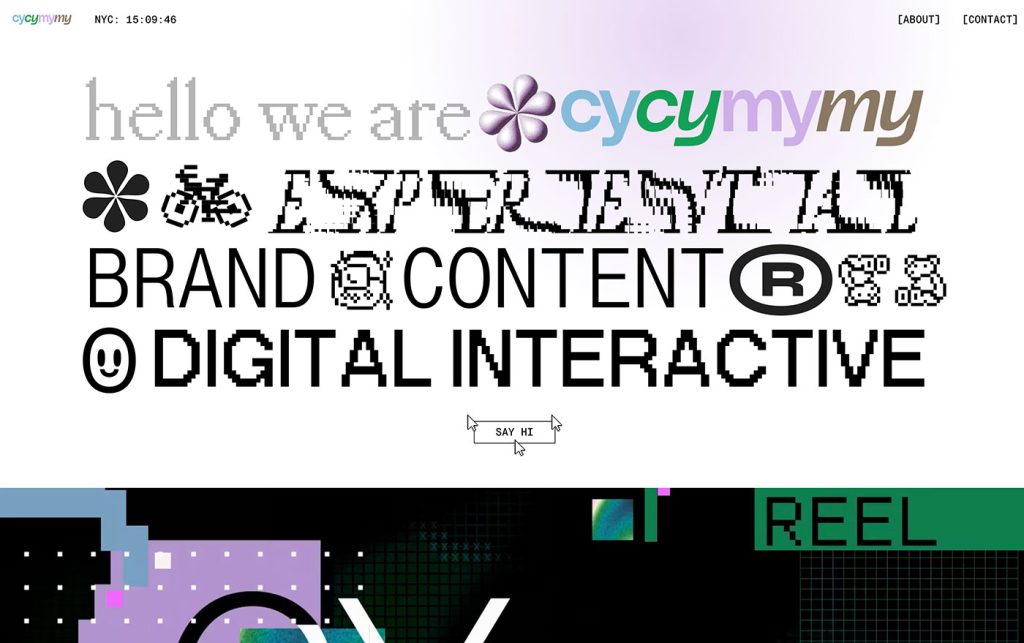
Every once in a while, a site comes along that makes you pause, grin, and think: Wait—websites can do that? Maybe it’s a portfolio where the cursor morphs into a liquid blob,…
Framer vs. WordPress vs. Webflow: Who Actually Wins in 2026?
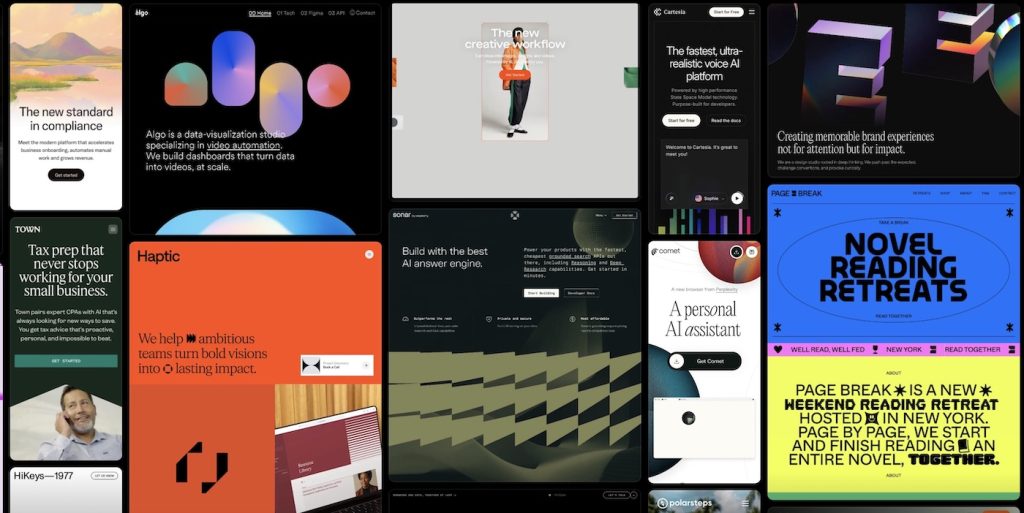
Every few years, the web design world crowns a new “ultimate platform.” Once upon a time, it was WordPress. Then Webflow rose as the cool, code-free disruptor. Then Framer entered…
Density vs. Clarity: The Core Tension in Modern UI Design
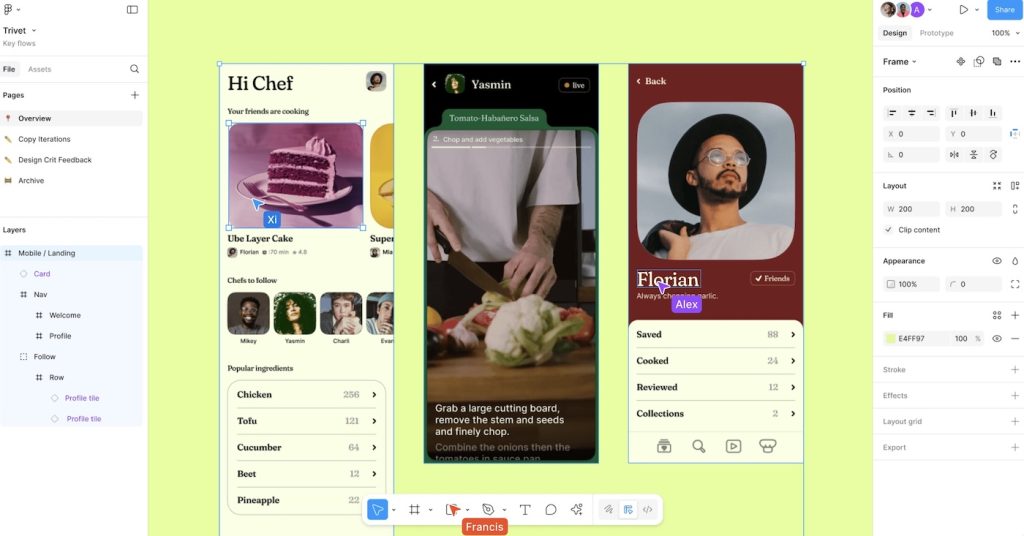
Every generation of designers seems to rediscover the same paradox: the more information we can display, the less anyone can process. The web is bursting with pixels that compete for…
What Figma Got Wrong About Design Systems
When Figma first revolutionized collaborative design, it promised something that sounded irresistible: true consistency at scale. Design systems became the new religion, and Figma was its temple. Tokens, components, variants —…

The Evolution of Web Development: From Static Pages to AI-Driven Experiences
Web development has always been a strange cocktail of creativity, technology, and a bit of chaos. In its earliest days, it was pure alchemy—weaving simple code into pages that, somehow, transmitted…
From Wireframes to Prototypes: Why Designers Need to Grow Up
Wireframes once ruled the UX kingdom. They were the designer’s armor — grayscale, boxy, safe. They reassured clients, gave developers something to glance at, and let teams pretend they were…